
Browse Facebook anonymously
Learn how to browse Facebook anonymously with safer workflows, profile setup tips, and detection avoidance strategies designed to protect your privacy and reduce account risk.

If you need to browse Facebook anonymously, the hard truth is that “anonymous” means different things depending on what you want to hide: your browser history, your IP address, your device fingerprint, or your identity inside an account. Facebook’s tracking stack is designed to connect those signals, which is why simple tricks like incognito mode or a basic VPN for Facebook rarely deliver real Facebook anonymity.
In this guide, we’ll break down what Facebook can actually detect, what you can safely view without logging in, and which methods are worth using for Facebook anonymous browsing in 2026. We’ll also compare browser-based privacy tools, cloud phone setups, and common third-party “anonymous Facebook viewer” claims so you can separate practical solutions from marketing hype.
This is especially useful for recruiters, researchers, journalists, marketers, and anyone who needs to view public Facebook content without exposing a personal account. If your goal is to browse Facebook without logging in, protect Facebook privacy, or keep multiple research profiles separated, the right setup matters more than the shortcut.
We’ll keep this neutral and evidence-based, with step-by-step workflows, risk levels, and troubleshooting tips. And where a more advanced setup is needed, we’ll note where GoUndetected.io can help with antidetect browser profiles and isolated workflows without overselling a single tool.
Facebook Browsing
Facebook browsing for multi-account work is less about speed and more about consistency. If your browser fingerprint, IP behavior, and login patterns look stable, you reduce the chance of checkpoints, forced verifications, and session resets. GoUndetected.io helps keep each Facebook profile isolated so everyday browsing looks like a normal, single-user session.
Safe access
Start with a clean environment: one profile, one proxy, one purpose. Facebook’s own guidance on account security emphasizes unusual login detection and device trust, so avoid switching networks or devices mid-session when possible. For reference, see the Facebook Help Center.
Use a high-quality residential or mobile proxy for accounts that need realistic geo behavior, and keep browser settings aligned with the target region. A stable setup lowers the odds of security prompts and makes browsing feel predictable.
Session control
Session control is what keeps routine browsing from turning into a chain of re-authentications. Clear cookies only when you intend to reset a profile, not as a daily habit. Instead, save the session inside a dedicated browser profile so Facebook recognizes the same environment each time.
- Keep one profile open per account
- Avoid logging into multiple accounts in the same tab set
- Use bookmarks or saved links for repeat workflows
- Monitor checkpoint frequency as a signal of instability
Account separation
Separation matters because Facebook links behavior across login, device, and network signals. If two accounts share fingerprints or proxies, one risky action can affect both. A structured setup reduces overlap and keeps browsing patterns easier to manage.
| Setup element | Recommended approach | Why it matters |
|---|---|---|
| Browser profile | Dedicated per account | Prevents cookie and fingerprint cross-contamination |
| Proxy | Unique per profile | Separates network identity |
| Workflow | Consistent login times | Reduces suspicious behavior patterns |
For teams managing several Facebook identities, GoUndetected.io makes this separation practical without adding unnecessary friction.
Account Safety
Keeping accounts safe in a multi-account workflow comes down to consistency. Platforms flag mismatches between your IP, browser fingerprint, and login behavior long before they flag content, so the goal is to make every session look stable, human, and contextually believable.
Proxy matching
Use a proxy that matches the account’s expected geography and access pattern. If an account usually logs in from Germany, a U.S. datacenter IP can create an immediate trust gap. Residential or mobile proxies often blend better for long-term sessions, while datacenter proxies are more likely to be reused and fingerprinted.
Match more than location: keep the same proxy type, ASN profile, and timezone whenever possible. For platform-specific guidance, review the provider’s help center and your proxy vendor’s documentation before scaling.
| Proxy type | Best fit | Risk level |
|---|---|---|
| Residential | Steady account management | Lower |
| Mobile | High-trust, mobile-like sessions | Lower |
| Datacenter | Testing or low-value tasks | Higher |
Fingerprint masking
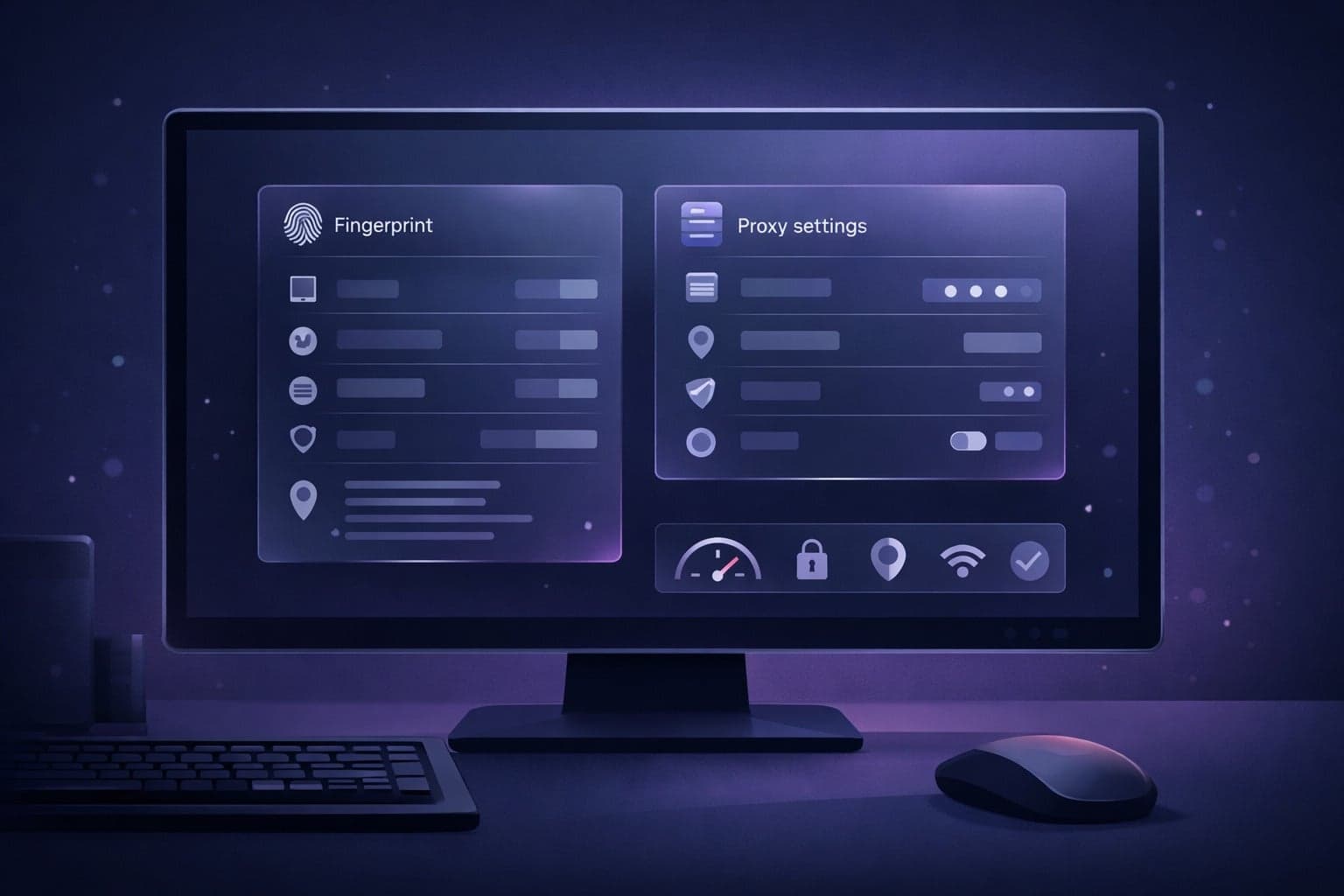
Browser fingerprinting checks device signals such as canvas, WebGL, fonts, timezone, and screen resolution. If those signals change too often, accounts can appear to “teleport” between devices. An antidetect browser helps keep each profile isolated so one account’s settings do not leak into another.
Keep the profile consistent over time. Avoid randomizing core attributes on every login; instead, lock in a realistic device profile and only update it when you intentionally change your operating environment.
Login hygiene
Good login habits reduce risk even when your technical setup is solid. Reusing passwords, switching devices mid-session, or logging in from multiple locations in a short window can trigger verification challenges and trust loss.
- Use unique credentials and a password manager.
- Enable 2FA for every account.
- Log in from the same profile, proxy, and device pattern.
- Clear session conflicts before switching accounts.
Profile Setup
Profile setup is where multi-account workflows become manageable. In GoUndetected.io, each browser profile acts like a separate device fingerprint, giving you a cleaner way to organize accounts, reduce cross-account overlap, and keep workstreams easy to audit.
Create profiles
Start by creating one profile per account, client, or platform workflow. This keeps cookies, local storage, and browser fingerprints separated, which is essential when you need stable sessions across logins. For teams, a consistent profile structure also makes handoffs simpler and reduces setup errors.
Use a repeatable creation process so every profile is built with the same core settings. That consistency matters more than volume: a well-configured profile is easier to maintain than a batch of loosely managed ones.
- One profile = one identity
- Group by platform, client, or campaign
- Reuse proven settings for similar accounts
Name profiles
Clear naming is a small step that saves a lot of time later. A good name should tell you what the profile is for, who owns it, and whether it has any special settings. Avoid vague labels like “Test 1” or “New Profile,” especially once your list grows.
A simple naming convention works best when it is easy to scan and sort. For example, use a format like Platform_Client_Region_01 so you can identify accounts at a glance and find the right profile faster during daily operations.
| Bad name | Better name | Why it helps |
|---|---|---|
| Profile 7 | Shopify_US_01 | Shows platform and region immediately |
| Test Account | Meta_ClientA_02 | Supports team-level organization |
Assign proxies
Assigning the right proxy to each profile is critical for consistency. A profile and its proxy should usually stay paired, because frequent IP changes can trigger extra verification or session instability. For most use cases, residential or mobile proxies are the safest choice for account longevity.
Before launching, confirm that the proxy location matches the account’s expected region and that the connection is stable. If you want a deeper walkthrough on proxy selection, see the GoUndetected blog for practical setup guidance.
Daily Workflow
A disciplined daily workflow keeps multi-account operations predictable and lowers the chance of cross-account signals. The goal is simple: move between profiles cleanly, prevent overlap, and review what happened before the next session.
Switch profiles
Open only the profile you need, complete the task, then close it before moving on. That habit reduces accidental cookie sharing, mixed sessions, and the “same device, same behavior” pattern platforms can flag. In GoUndetected.io, profile-based isolation helps keep each account’s browser fingerprint and session data separate.
Use a repeatable sequence so every login starts the same way. A short checklist is usually enough:
- Launch the correct profile
- Confirm the assigned proxy is active
- Verify the account and task target
- Close the profile after the session ends
Avoid overlap
Overlap happens when two accounts share timing, IP behavior, or browser state. The safest approach is to stagger logins, keep one workflow per profile, and avoid opening the same platform in multiple profiles at once. Even small collisions can create patterns that look automated or coordinated.
A practical comparison:
| Risk | What it looks like | Better habit |
|---|---|---|
| Session overlap | Two profiles active on the same site | One account per active window |
| Proxy collision | Shared IPs across accounts | Dedicated proxy mapping |
| Behavior overlap | Identical actions at the same time | Staggered daily schedule |
Track activity
Log what you did, when you did it, and which profile was used. A lightweight record makes it easier to spot failed logins, proxy issues, or unusual platform responses before they become account problems.
For a reliable review loop, track:
- Profile name and account ID
- Proxy used and location
- Task completed and timestamp
- Warnings, blocks, or verification prompts
If you want a cleaner system, keep a simple daily sheet or CRM note. For setup guidance, see the GoUndetected.io workflow tools and documentation.
Troubleshooting
When multi-account workflows start triggering friction, the fix is usually process-driven: isolate the cause, change one variable at a time, and retest. These three checks solve most issues without disrupting your entire setup.
Fix blocks
If a platform starts flagging logins, stop repeating the same fingerprint, IP, and behavior pattern. Reuse of a known environment is one of the fastest ways to create a block loop, especially when accounts share device traits or session history.
Start with a clean profile, a stable proxy, and a slower action pace. Then verify the account is warming up naturally before you scale activity again.
- Use one profile per account.
- Match browser fingerprint settings to the proxy region.
- Avoid rapid logins, follows, or form submissions.
Clear cache
Corrupted cache, stale cookies, and leftover sessions can cause login errors, broken pages, or suspicious re-auth prompts. Clearing these artifacts helps you separate a browser issue from an account or proxy issue.
For recurring problems, use a fresh profile rather than manually patching old data. That gives you a cleaner baseline and makes troubleshooting faster.
- Close the profile completely.
- Remove cookies, cache, and local storage for the affected site.
- Reopen the profile and test again with the same proxy.
Test proxies
Proxy quality is a major factor in account stability. A slow, shared, or geo-mismatched proxy can trigger verification, rate limits, or outright blocks even when the browser setup is correct.
Before scaling, test each proxy for IP reputation, latency, and location consistency. A simple comparison helps you spot weak links quickly:
| Check | What to look for |
|---|---|
| Latency | Stable response times under load |
| Geo match | IP region matches account market |
| Reputation | No abuse flags or frequent bans |
Best Practices
Strong multi-account hygiene is less about “hiding” and more about keeping each profile operationally clean. The three habits below help reduce overlap, lower review risk, and make every account look like it belongs to a real, consistent user.
Rotate sessions
Session rotation prevents one profile from becoming too predictable. In practice, that means changing browser sessions, IPs, and device fingerprints on a schedule that matches the account’s activity pattern rather than using one static setup forever.
Use rotation deliberately, not constantly. Over-rotating can look just as unnatural as never rotating. A simple rule is to keep the same environment during active work, then refresh it between distinct tasks or account groups.
- Rotate after logouts, long idle periods, or major workflow changes.
- Keep one session per account cluster whenever possible.
- Use consistent proxy geography for each profile.
Limit sharing
Every extra person who touches an account adds risk: mixed browsing behavior, accidental logins from another device, and inconsistent responses to verification checks. Restrict access to only the people who truly need it.
When collaboration is necessary, define roles clearly and document what each user can do. If your team manages multiple profiles, use a shared process for credentials, notes, and escalation paths instead of informal handoffs.
| Practice | Safer approach |
|---|---|
| Access | Least-privilege permissions |
| Credentials | Secure vault or manager |
| Devices | Dedicated profile-specific setup |
Stay consistent
Platforms flag inconsistencies faster than they flag volume. Keep the same language, timezone, device profile, and browsing routine for each account so activity patterns remain believable over time.
Consistency also applies to content and behavior. If one profile suddenly changes posting cadence, login location, or interaction style, it stands out. Build a repeatable operating model and stick to it.
- Use the same setup for each account every time.
- Match proxy, timezone, and locale settings.
- Document changes before applying them.
Need more hands-on playbooks? Read Anti-Detection Browser vs Cloud Phone for TikTok Ads: Which Setup Fits Media Buyers Better?, SharkLogin browser review, and Anonymous TikTok viewer.

Browse Undetected. Stay Private.
Unique browser fingerprints, built-in proxy support, and anti-detection technology. Try GoUndetected free for 7 days.
Available for macOS and Windows · No credit card required