Cookie robot for TikTok
Learn how a cookie robot for TikTok supports account warm-up, reduces shadowban risk, and improves stealth with practical detection-aware strategies.
 Updated
NVInc’s April 2026 enforcement memo counted 1.4 million TikTok Shop registrations blocked and 700,000 shops shut down for shared devices, IDs, and fingerprints (NVInc TikTok enforcement), so TikTok now inspects every cookie + fingerprint pair as soon as you spin up automation. If you’re researching a cookie robot for TikTok, you’re usually trying to solve one of two problems: how to warm up a new account without triggering a restriction, or how to manage multiple accounts without linking them together. The short version is that cookies can help, but they are only one signal in a much larger TikTok risk-control system. If your browser fingerprint, device identity, IP reputation, and early behavior don’t line up, a cookie robot alone won’t save the account.
That’s why so many operators see mixed results with browser warm-up. TikTok doesn’t evaluate a new account in a single dimension. It looks at browser fingerprint data, app-level signals, device-level isolation, residential IP quality, session behavior, and how quickly you begin posting or interacting. In other words, a clean cookie trail is useful, but it is not the same thing as a trustworthy account setup. If you’re doing TikTok account warm-up for creators, agencies, affiliates, or multi-accounting workflows, you need a setup that matches the platform’s risk model—not just a tool that simulates browsing.
In this guide, we’ll break down what TikTok is likely measuring, where cookie robots help, where they fail, and how to build a practical TikTok account setup that scales across budgets. We’ll also compare browser warm-up, real phones, cloud phone setups, emulators, VPS environments, and anti-detect browsers so you can choose the right approach for your use case. If you want a broader framework for choosing the right environment, see How to choose the right anti-detection tool for e-commerce, ad ops, and affiliate workflows and our anti-detection browser setup workflow for affiliate marketers.
Cookie Robots
Cookie robots are useful for session continuity, but they only work well when the rest of the environment is stable. In TikTok workflows, that means cookies need to match the browser fingerprint, proxy, and account behavior—not fight against them.
What They Do
Cookie robots are automated systems that collect, store, and replay browser cookies at scale. In practice, they help teams keep sessions alive, reduce repeated logins, and simulate returning users across multiple visits or workflows. For e-commerce, ad testing, and account operations, that can mean fewer interruptions and more consistent access.
They typically work by pairing cookie data with a browser profile, then reusing that state when a session is reopened. That makes them useful for repetitive tasks, but only when the underlying browser fingerprint and network signals remain stable.
Why They Matter
Cookies are one of the main signals platforms use to recognize a browser. When managed well, they improve continuity and lower friction; when managed poorly, they can trigger verification loops or account checks. According to MDN, cookies are central to session state, preferences, and authentication.
For multi-account teams, cookie handling is especially important because it affects how believable each profile looks over time. A structured approach helps preserve session history while reducing the chance that one account’s activity contaminates another’s.
- Preserves login sessions between visits
- Supports repeatable testing and workflow automation
- Reduces manual re-authentication
- Helps maintain account separation when profiles are isolated
Key Risks
Cookie robots are powerful, but they are not a shortcut to safety. If cookies are copied across mismatched devices, proxies, or fingerprints, platforms can flag the session as suspicious. That mismatch is often what causes bans, forced resets, or endless CAPTCHA checks.
There is also a security angle: stored cookies can expose active sessions if they are leaked, shared carelessly, or kept without encryption. The safest setup combines disciplined cookie hygiene with an antidetect browser like GoUndetected.io, so each profile stays isolated and consistent.
- Session hijacking if cookies are exposed
- Detection from fingerprint/cookie mismatches
- Cross-account contamination from reused data
Tracking Basics
Tracking starts with the small signals websites store and the bigger signals they infer. For multi-account workflows, the goal is not to “erase” the web, but to understand what sites can read, how long they can remember it, and where identity leaks usually happen.
Cookies Explained
Cookies are tiny text files a site saves in your browser to remember state: logins, preferences, cart contents, and sometimes tracking identifiers. They are useful for continuity, but they also create a link between visits, which is why shared or reused browser profiles can quickly become a problem.
There are a few common cookie types to know:
- Session cookies — expire when the browser closes.
- Persistent cookies — stay until a set expiration date.
- Third-party cookies — placed by external services for ads or analytics.
Fingerprinting
Fingerprinting is different: it does not rely on stored files. Instead, sites combine browser and device signals such as user agent, screen size, fonts, timezone, WebGL output, and canvas behavior to estimate whether two sessions belong to the same user. Even if cookies are cleared, a stable fingerprint can still tie activity together.
For a deeper technical overview, see MDN’s browser API references. The practical takeaway is simple: consistency matters. If one profile says one timezone, one language, and one graphics stack while another profile says something else, that mismatch can stand out fast.
Session Data
Session data is the live state created while you browse: login tokens, local storage, cache, and other browser-held records that help pages load faster and keep you signed in. Unlike cookies alone, this broader data layer can preserve identity clues across tabs and visits.
To keep sessions separated, use distinct profiles and avoid cross-contamination between accounts. A simple rule set helps:
- Keep one profile per account or project.
- Use isolated proxies where needed.
- Do not mix logins across the same browser context.
Detection Methods
Most platforms do not rely on a single signal to flag multi-account activity. Instead, they combine network, device, and interaction data to build a risk profile. Understanding these detection layers helps you reduce false positives and keep accounts separated in a way that looks consistent and operationally stable.
IP Checks
IP-based checks are usually the first line of defense. Platforms look at where a login appears to come from, whether the IP is residential or datacenter-based, and whether multiple accounts repeatedly share the same network fingerprint. Sudden country changes, frequent proxy rotation, and IPs with poor reputation can all trigger review.
For account separation, consistency matters more than speed. A stable proxy strategy, matched to the account’s expected geography, is typically safer than switching endpoints often. If you need a broader technical reference, MDN’s proxy header documentation is a useful starting point for understanding how network data can be exposed.
Device Checks
Device checks focus on the browser and hardware signals a site can read or infer. These may include user agent, screen size, time zone, language, WebGL output, canvas fingerprints, and installed fonts. Even when IPs differ, identical device patterns can connect accounts behind the scenes.
The practical goal is to keep each profile internally consistent. A browser environment that matches the account’s location, platform, and usage pattern is less likely to stand out. Common device-level signals include:
- Browser and OS fingerprint
- Timezone and locale mismatch
- Canvas and WebGL rendering traits
- Cookie and storage reuse
Behavior Checks
Behavioral detection looks at how an account acts, not just where it logs in from. Platforms can spot repetitive posting intervals, identical navigation paths, copy-pasted messages, and unusually fast form completion. These patterns are especially important because they often reveal automation or coordinated account control.
The safest approach is to vary actions naturally and avoid synchronized activity across profiles. Account age, session length, and engagement rhythm should all look believable for the platform you are using. In practice, most teams monitor these checkpoints:
- Login cadence and session duration
- Click and scroll patterns
- Posting frequency and timing
- Message similarity across accounts
Stealth Strategies
Stealth is less about “looking hidden” and more about keeping each account’s signals separate, stable, and believable. When your browser fingerprint, cookies, and network path stay consistent, platforms have far less reason to connect profiles or trigger verification. The goal is to reduce overlap at every layer of the workflow.
Profile Isolation
Profile isolation means giving every account its own digital environment. That includes a unique browser profile, separate storage, distinct extensions, and a controlled fingerprint that doesn’t drift between logins. If two accounts share the same device markers, even small overlaps can become a linkage signal.
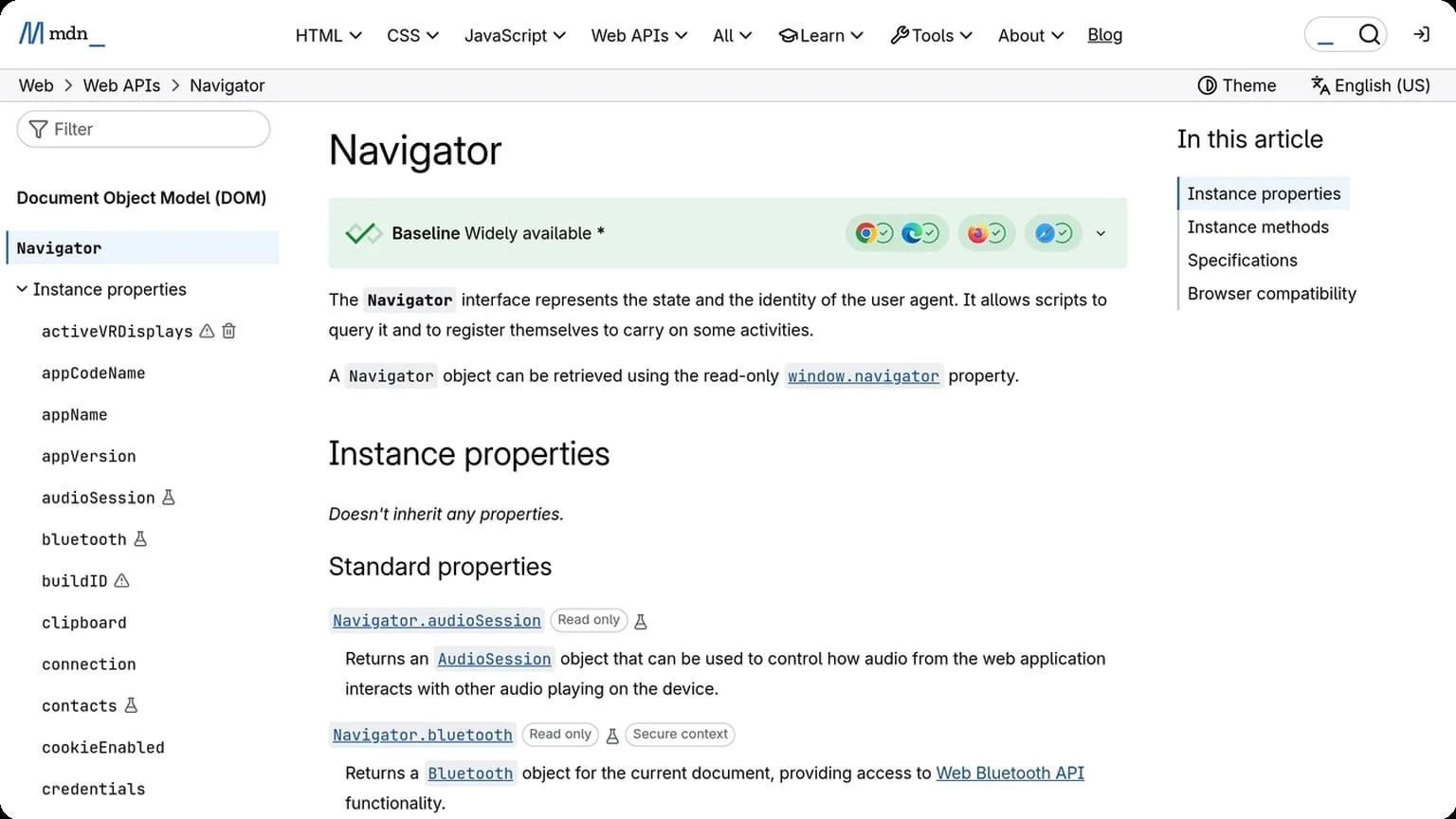
Good isolation also improves operational discipline. Teams that map one profile to one account see fewer cross-contamination issues, fewer accidental logins, and cleaner troubleshooting when something goes wrong. For a deeper technical breakdown of fingerprinting signals, see the MDN Navigator documentation.
- Use one profile per account, with no shared cookies or autofill data.
- Keep extensions minimal and consistent across similar account types.
- Match profile settings to the account’s region, language, and device pattern.
Clean Sessions
Clean sessions reduce residue from previous activity. Before starting a new task, make sure the session is fresh, the browser state is isolated, and old authentication tokens are not leaking into the next workflow. This is especially important when switching between brands, marketplaces, or ad accounts.
A practical session routine should be repeatable. Teams often standardize startup checks so every operator follows the same sequence before login, which lowers mistakes and keeps account behavior predictable.
- Open the correct isolated profile.
- Confirm no leftover tabs, cookies, or cached auth prompts remain.
- Verify the proxy and fingerprint match the target account.
- Log in and complete only the intended task for that session.
Proxy Use
Proxies are the network layer of stealth, and they should support the account rather than fight it. A stable proxy with the right geography, ISP type, and speed profile helps the session look normal. Frequent IP changes, low-quality datacenter ranges, or mismatched locations can create more risk than they solve.
| Proxy Type | Best For | Stealth Notes |
|---|---|---|
| Residential | Long-term account management | Strong realism, usually better for sensitive platforms |
| Mobile | High-trust, hard-to-detect workflows | Often appears highly natural, but can be costlier |
| Datacenter | Low-risk testing and internal tasks | Fast and affordable, but easier to flag on strict platforms |
For the best results, keep the proxy stable for the full life of the profile and avoid switching networks mid-session. When profile isolation, clean sessions, and the right proxy type work together, stealth becomes a system rather than a guess.

GoUndetected Edge
GoUndetected Edge is built for teams and solo operators who need tighter control over browser fingerprints, cleaner account separation, and less friction in daily multi-account work. Instead of juggling inconsistent profiles or risky manual setups, you get a structured environment that helps each account behave more like a distinct, stable user session.
Better Control
Precise control matters when you manage multiple accounts across ad platforms, marketplaces, or social channels. GoUndetected Edge lets you organize profiles with consistent settings, so each workspace stays predictable and easier to audit.
That control also reduces operational mistakes. When profiles are clearly separated, it becomes simpler to assign access, track changes, and keep sessions aligned with the right proxy and device identity.
- Dedicated browser profiles for cleaner account separation
- Consistent fingerprint settings across repeat logins
- Structured workspace management for teams and operators
Safer Workflows
Safer workflows are about reducing exposure points before they become account problems. GoUndetected Edge supports a more disciplined process by isolating sessions and helping you avoid the common mistakes that lead to overlaps, mismatched fingerprints, or cross-account contamination.
For teams, that means fewer accidental logins from the wrong profile and less risk when multiple people handle the same portfolio. If you want a deeper technical reference on browser isolation and session handling, see the GoUndetected documentation.
| Workflow need | Why it helps |
|---|---|
| Profile isolation | Limits cross-account fingerprint overlap |
| Proxy alignment | Keeps account location signals consistent |
| Team access control | Reduces human error during collaboration |
Faster Setup
Speed matters when you need to launch accounts quickly without sacrificing consistency. GoUndetected Edge is designed to shorten setup time by making profile creation, configuration, and reuse straightforward, so you spend less time rebuilding the same environment.
That efficiency is especially useful for recurring tasks like campaign testing, marketplace expansion, or account recovery. Once your preferred settings are in place, you can replicate them with far less manual work and move faster with fewer variables.
Best Practices
Once your profiles are set up, the difference between stable operations and avoidable flags often comes down to routine. Best practices are not about doing more work; they are about reducing variance, catching issues early, and keeping each account’s behavior believable over time.
Rotate Often
Rotation should be intentional, not random. Refresh proxies, fingerprints, and session elements often enough to avoid long-lived patterns, especially when accounts are active across different regions or time zones. A predictable change cadence helps reduce linkability without creating suspicious churn.
Use a simple rotation plan based on account sensitivity and activity level:
- High-risk or high-volume accounts: rotate more frequently
- Low-activity accounts: rotate on a scheduled interval
- New accounts: keep changes minimal during warm-up
Test Regularly
Even a strong setup can drift over time. Test profiles after updates, proxy swaps, or workflow changes to confirm that browser identity, cookies, and network routing still align. Regular checks are cheaper than recovering a restricted account.
A practical test loop is simple: log in, verify session stability, inspect IP/location consistency, and confirm that the platform behaves as expected. For reference on how platforms interpret unusual access patterns, review the official help centers of the services you use, such as Google Support or Instagram Help Center.
Stay Consistent
Consistency is what makes separate profiles look like real users instead of managed automation. Keep browser settings, time zone, language, and usage habits aligned with each account’s identity. When those signals conflict, detection systems have more reason to investigate.
Use the same operating rules every time so each profile develops a clean history:
- Assign one identity per profile
- Keep device and location signals stable
- Document changes before applying them
In practice, the best TikTok account setups are the ones that treat cookies as one part of a larger identity system, not the whole strategy. If you keep profiles isolated, proxies aligned, and behavior believable, you give each account a much better chance of staying stable over time.
Need more hands-on playbooks? Read Cheap residential proxies.