
Detect Expert review
Read our comprehensive Detect Expert review covering how it works, core features, performance, pricing, and whether this antidetect browser is worth it.

If you’re researching a Detect Expert review, you’re probably trying to understand one simple question: is it a true antidetect browser, or something closer to an antidetect virtual machine? That distinction matters, because the answer changes everything about setup difficulty, performance, team collaboration, and whether the tool fits your workflow.
Detect Expert, which traces back to Vektor T13, takes a hardware-level approach to fingerprint masking. Instead of only changing browser signals, it aims to alter deeper identifiers tied to hardware fingerprinting and the overall device fingerprint. In plain language: it is built for users who want a more isolated machine environment, not just a browser profile.
In this review, we’ll break down how Detect Expert actually works, what the ecosystem includes—such as IP auditor, SMS activation, proxies, and virtual bank cards—and where the platform makes sense versus a browser-based option. We’ll also compare it against a practical Gologin alternative and other tools, with a focus on real-world tradeoffs like proxy setup, stability, and cloud sync.
If you want a broader framework for choosing the right tool, you may also find our guides on anti-detect browser basics, anti-detection browser vs residential proxy, and anti-detect browsers vs VPS helpful while you read.
Detect Expert Review
Detect Expert is a lightweight antidetect browser aimed at teams that need quick profile isolation without a steep learning curve. It’s positioned more as a practical workflow tool than a feature-heavy enterprise suite, which makes it appealing for solo operators and small multi-account setups.
Overview
In day-to-day use, Detect Expert focuses on the essentials: separate browser fingerprints, proxy-based identity separation, and simple profile handling. That keeps setup time low, but it also means advanced users may notice fewer automation and collaboration controls than they’d expect from premium alternatives.
For marketers, affiliate teams, and marketplace sellers, the main value is speed. If your priority is spinning up clean environments fast, Detect Expert gets you there with minimal friction.
Features
The core feature set is built around account safety and repeatable sessions. It covers the basics well, especially for users who don’t need deep customization on every parameter.
- Browser profile isolation for separate identities
- Proxy support for location and network segmentation
- Fingerprint masking for common tracking signals
- Simple profile management for faster onboarding
| Capability | Detect Expert | Best For |
|---|---|---|
| Profile isolation | Yes | Multi-account separation |
| Fingerprint control | Basic | Standard anti-detect use |
| Team workflows | Limited | Small operations |
Verdict
Detect Expert is a solid entry-level option if you want straightforward anti-detect functionality and don’t need a complex stack. It can work well for testing, account warm-up, or lean operations where simplicity matters more than depth.
That said, users managing larger volumes or stricter platform environments may outgrow it quickly. If you want stronger workflow control and more flexible multi-account management, GoUndetected is the safer long-term pick.
How It Works
Here’s the practical flow: set up the browser, create isolated profiles, then route each profile through the right network path. That separation is what helps teams manage multiple accounts with less overlap and fewer manual mistakes.
Setup
Start by installing GoUndetected.io and configuring your workspace for the accounts you plan to run. The goal is not speed alone, but repeatability: the same setup should produce the same environment every time, especially when you manage logins, marketplaces, ads, or client accounts.
In practice, a clean setup usually includes a naming convention, access rules, and a proxy plan before any account is added. For platform-specific guidance, review the GoUndetected.io resources and align your workflow with the account policy of each service you use.
Profiles
Each profile acts like a separate browser identity, keeping cookies, local storage, and session data isolated. That means one account can be active without contaminating another, which is essential when your team handles multiple brands or regions.
A good profile structure is simple and scalable:
- One profile per account or client
- Consistent device naming for fast retrieval
- Saved notes for proxy, login, and owner
- Permission control for shared teams
For example, a media buyer can keep ad accounts separated by client, while an ecommerce operator can segment storefronts by market. The result is cleaner operations and fewer cross-account conflicts.
Routing
Routing determines how each profile connects to the web. Assigning the right proxy or network path helps match the profile’s location and reduces obvious mismatches between session data and traffic source.
| Routing option | Best for | Key benefit |
|---|---|---|
| Residential proxy | High-trust accounts | Natural-looking traffic patterns |
| Datacenter proxy | Testing and lower-risk tasks | Fast and cost-efficient |
| Mobile proxy | Strict platforms | Strong reputation signals |
Once routing is assigned, keep it stable unless there is a clear reason to switch. Consistency across profile, IP, and account behavior is what makes multi-account management more reliable over time.
Core Features
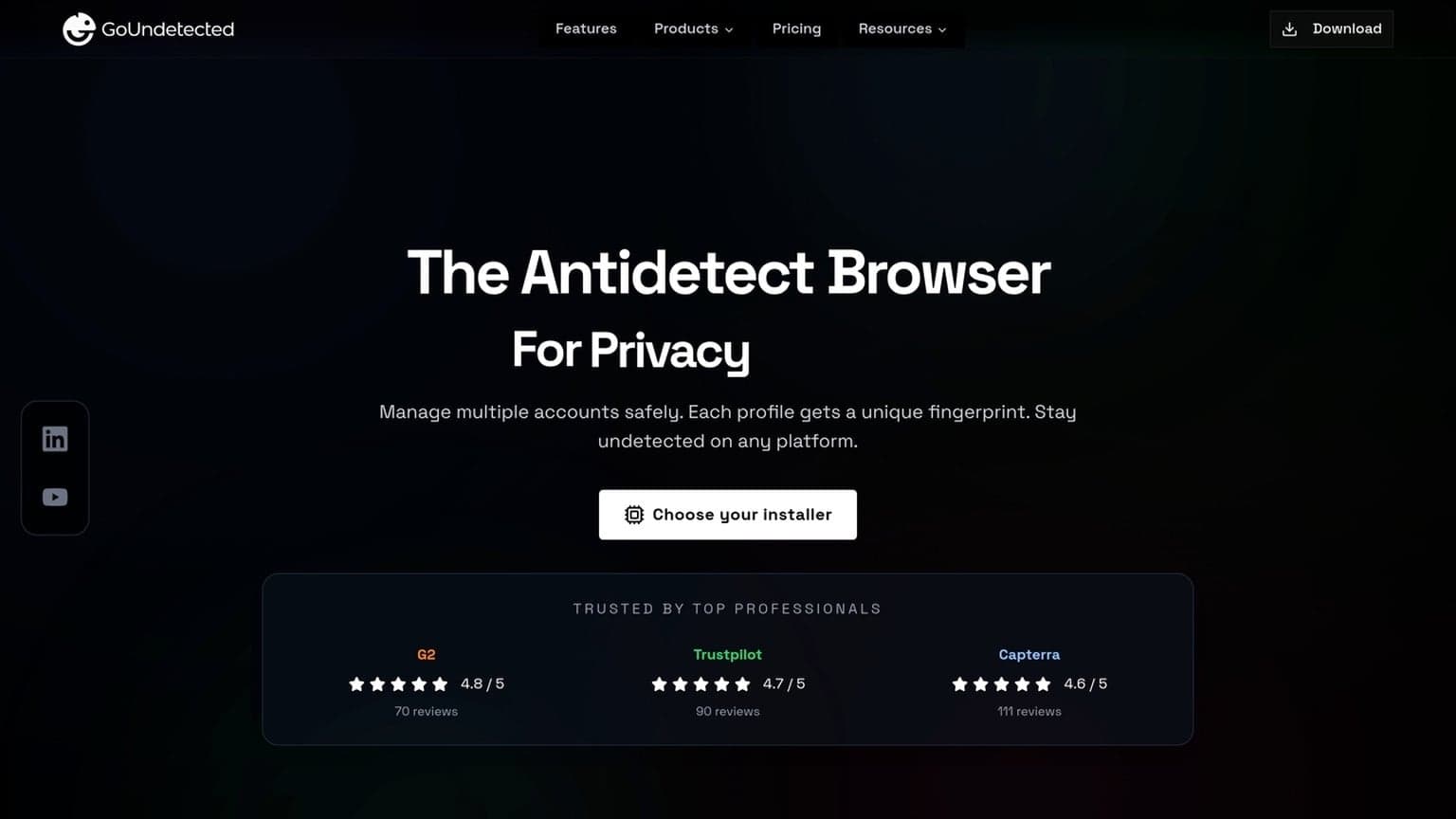
GoUndetected.io is built for teams that need stable multi-account workflows without constant profile resets or verification loops. Its core features center on three pillars: browser fingerprints, proxy control, and automation-friendly operations, helping each account appear consistent and isolated.
Fingerprints
Fingerprint management is the foundation of any antidetect browser. GoUndetected.io helps separate browser profiles so key signals—like user agent, canvas, WebGL, timezone, and language—stay aligned with the account being used. That consistency matters because mismatched signals are a common trigger for platform checks.
In practice, the goal is not to “hide everything,” but to make each profile look like a normal, repeatable user environment. For teams managing e-commerce, ads, or social accounts, that means fewer cross-account leaks and less time spent troubleshooting suspensions.
Proxies
Proxy routing adds the network layer of isolation. By assigning a dedicated proxy to each profile, GoUndetected.io helps keep IP behavior consistent across logins, sessions, and device fingerprints. This is especially important when managing accounts across different regions or client workspaces.
| Proxy Type | Best Use | Key Benefit |
|---|---|---|
| Residential | High-trust accounts | More natural IP reputation |
| Datacenter | Bulk testing | Fast and cost-efficient |
| Mobile | Strict platforms | Strong real-user similarity |
For best results, keep one proxy per profile and match the proxy location to the account’s expected geography. If you need a refresher on proxy basics, Google’s support resources and major proxy provider docs are useful references.
Automation
Automation reduces repetitive work when profiles scale. GoUndetected.io supports workflows that make it easier to launch, organize, and reuse account environments without manually rebuilding settings each time.
- Profile creation and reuse
- Consistent session handling
- Faster switching between accounts
- Cleaner team-based operations
That combination is valuable for agencies and operators who need speed without sacrificing separation. Instead of treating every login as a fresh setup, automation keeps the process predictable, auditable, and easier to scale.
Performance Notes
Performance matters most when you’re juggling multiple profiles, proxies, and browser sessions at once. In practice, the right antidetect browser should feel fast enough for daily work, steady under load, and predictable when you scale from a few accounts to many.
Speed
GoUndetected.io is designed to keep profile launch times short and routine actions responsive, even when you’re switching between environments. The main speed gain comes from reducing unnecessary overhead in fingerprint setup and session handling, which helps teams move faster without constantly restarting workflows.
For best results, pair performance with clean proxy routing and avoid running more profiles than your system can comfortably support. A quick setup checklist helps:
- Use stable residential or mobile proxies for active accounts
- Keep profile extensions to the essentials
- Test one workflow before scaling it across multiple accounts
Stability
Stability is where antidetect tools earn trust. A browser can be fast, but if profiles crash, sync poorly, or leak session state, the operational cost rises quickly. GoUndetected focuses on consistent profile isolation so each account behaves like a separate, long-lived environment.
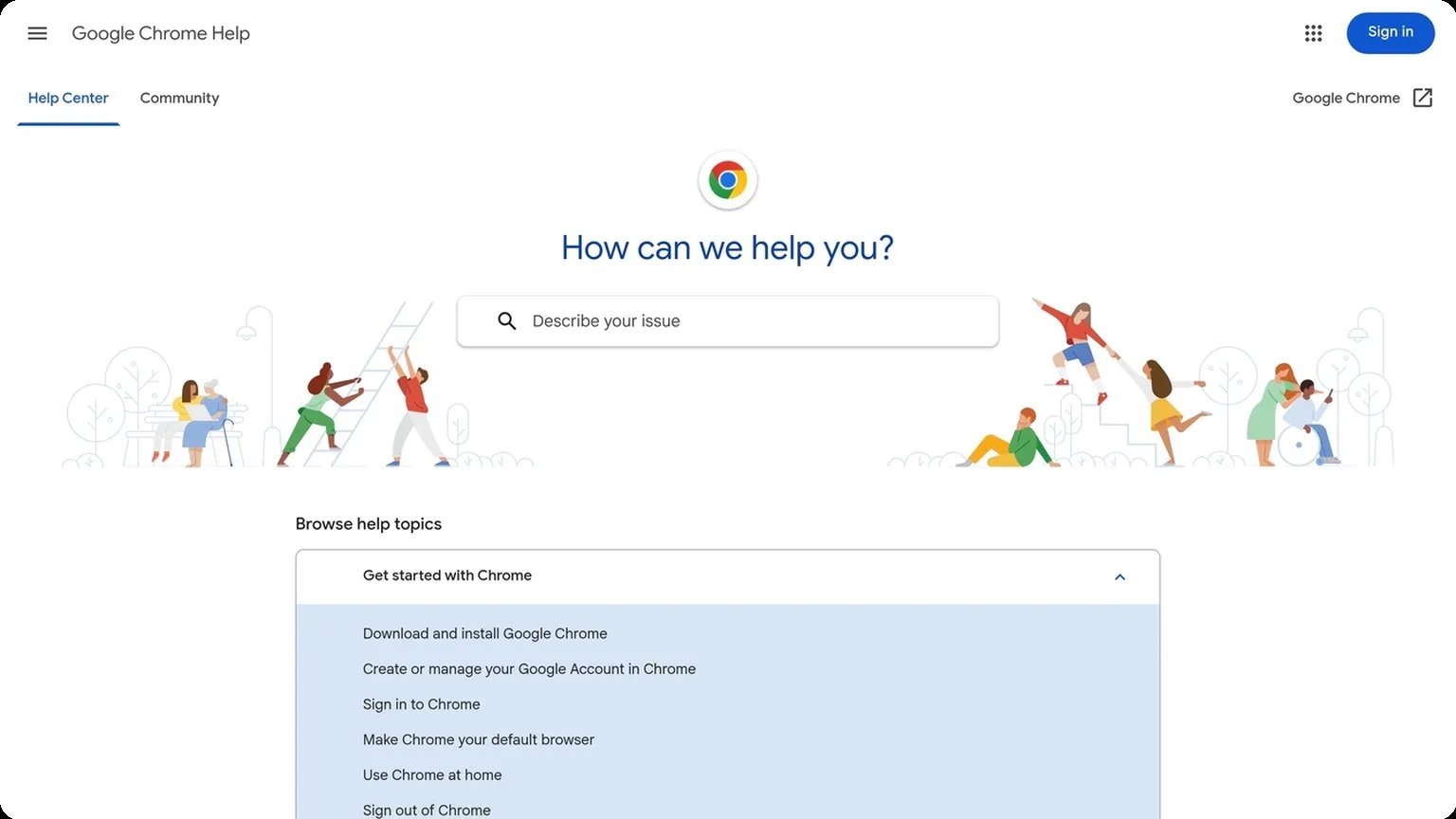
That matters for teams managing eCommerce, ad accounts, or social profiles where interruptions can trigger verification checks. If you want a broader look at browser isolation best practices, the Chrome Help Center is a useful baseline for understanding browser behavior and session management.
Limits
No antidetect browser is unlimited. Performance still depends on CPU, RAM, proxy quality, and how aggressively you automate tasks. The practical limit is usually reached before the software itself becomes the bottleneck.
| Factor | What to watch | Impact |
|---|---|---|
| Device resources | RAM and CPU usage | Affects how many profiles can run smoothly |
| Proxy quality | Latency and IP reputation | Impacts login success and session stability |
| Workflow complexity | Automation and tabs per profile | Raises memory load and crash risk |
In short, GoUndetected performs best when you treat it as part of a controlled stack: solid hardware, reliable proxies, and disciplined account management. That combination is what keeps multi-account operations fast and dependable.
Pricing Breakdown
Pricing for antidetect browsers is usually less about the sticker price and more about how many profiles, team seats, and automation workflows you actually need. A realistic breakdown should help you compare monthly spend against the operational value of safer account separation, faster onboarding, and fewer bans.
Plans
GoUndetected.io is built for multi-account teams that need flexible profile management without paying for enterprise complexity they won’t use. In practice, pricing tiers typically differ by profile limits, collaboration access, and advanced controls such as fingerprint customization and proxy handling.
| Plan factor | What it usually affects |
|---|---|
| Profile count | How many isolated browser environments you can run |
| Team seats | How many operators can share access safely |
| Automation tools | Whether API, syncing, or bulk actions are included |
Value
The real value comes from reducing account loss and manual cleanup. If one protected workflow prevents even a single high-value account from being flagged, the subscription can pay for itself quickly.
For agencies, e-commerce operators, and affiliate teams, the strongest ROI usually comes from:
- separating client or brand identities cleanly
- reusing stable browser profiles instead of rebuilding them
- cutting time spent on logins, verification, and recovery
Costs
Beyond the base subscription, budget for proxies, phone verification, and any external automation stack you rely on. These are the hidden costs that often matter more than the browser fee itself.
If you want a fair benchmark, compare total monthly cost across vendors rather than headline price alone. For setup guidance and feature details, check the official GoUndetected.io site before choosing a plan.
Final Verdict
Final verdict: if your workflow depends on keeping multiple accounts separated, an antidetect browser can save time, reduce routine errors, and make day-to-day management far more consistent. The best choice is the one that balances fingerprint control, team access, and operational simplicity without adding unnecessary friction.
Pros
GoUndetected.io stands out for practical multi-account handling: it helps isolate browser profiles, supports repeatable setups, and gives teams a cleaner way to manage sessions across channels. That matters most when account stability is tied to login consistency, not just convenience.
It’s also a strong fit for users who want a straightforward workflow instead of juggling separate devices or risky browser workarounds. If you’re comparing options, the most useful features are the ones that reduce manual resets and make profiles easier to organize.
- Profile isolation for cleaner account separation
- Team-friendly workflows for shared operations
- More efficient setup than manual browser switching
Cons
No antidetect browser is a magic shield. Results still depend on disciplined account behavior, quality proxy use, and consistent operating practices. If those inputs are weak, even a good browser won’t fully protect your workflow.
There’s also a learning curve for users coming from standard browsers. To get the most value, you need to understand profile hygiene, proxy matching, and how to avoid patterns that make accounts look connected.
| Factor | What to expect |
|---|---|
| Setup | Faster than manual separation, but still requires planning |
| Risk control | Improves isolation, not compliance or policy bypass |
| Best results | Come from combining profiles with strong operational habits |
Use Cases
GoUndetected.io is a smart recommendation for marketers, e-commerce operators, affiliate teams, and researchers who need multiple accounts to stay organized and distinct. It’s especially useful when account continuity matters more than raw speed.
In practice, it works best for:
- Social media and ad account management
- E-commerce store and marketplace workflows
- Affiliate testing and campaign separation
- Team-based operations that need profile-level control
If that sounds like your setup, GoUndetected is worth a close look. It’s the kind of tool a practical operator would recommend when the goal is cleaner multi-account management, not more complexity.

Browse Undetected. Stay Private.
Unique browser fingerprints, built-in proxy support, and anti-detection technology. Try GoUndetected free for 7 days.
Available for macOS and Windows · No credit card required