How to Compare Anti-Detection Tools for Team Onboarding, Permissions, and Audit Trails
Learn how to compare anti-detection tools for team onboarding, permissions, and audit trails so your marketing, affiliate, or agency team can scale securely and efficiently.

If you’re trying to figure out How to Compare Anti-Detection Tools for Team Onboarding, Permissions, and Audit Trails, the right answer is rarely “pick the cheapest browser and hope for the best.” For marketers, affiliate teams, e-commerce operators, and agencies, the real difference comes down to how quickly a team can get set up, how tightly access can be controlled, and whether every action is traceable when something goes wrong.
Anti-detection tools are no longer just about fingerprints and profiles. Once multiple people are logging into ad accounts, storefronts, social profiles, and client assets, onboarding speed, role-based permissions, and audit trails become operational features that directly affect risk, productivity, and accountability. A tool that looks strong on stealth but weak on team controls can create more problems than it solves.
That’s why the best comparison framework goes beyond “does it hide the browser well?” and asks practical questions: Can you invite teammates in minutes? Can you limit who can create, edit, or launch profiles? Can you see who changed what, when, and from which device? If not, you may be building a workflow that is hard to scale and even harder to investigate.
In this guide, we’ll break down the features that matter most for team-based operations and show you how to evaluate platforms with real-world use in mind. We’ll also point out where GoUndetected.io fits naturally as a solid option for teams that want multi-account control without turning daily operations into a guessing game.
Team Onboarding
Team onboarding works best when every new collaborator gets the right access, the right boundaries, and a clear handoff from day one. In multi-account operations, that means setting up a repeatable process inside GoUndetected.io so you can scale without exposing credentials or mixing workflows.
Invite flow
Start by inviting teammates only after their responsibilities are defined. A clean invite flow reduces confusion, limits unnecessary access, and makes it easier to audit who joined what and when. If you need a reference for access-control best practices, see Google’s admin access guidance.
- Send invites to the exact work email tied to the role.
- Group users by function: ops, media buying, support, or QA.
- Document which profiles, workspaces, or devices each user should see.
Role setup
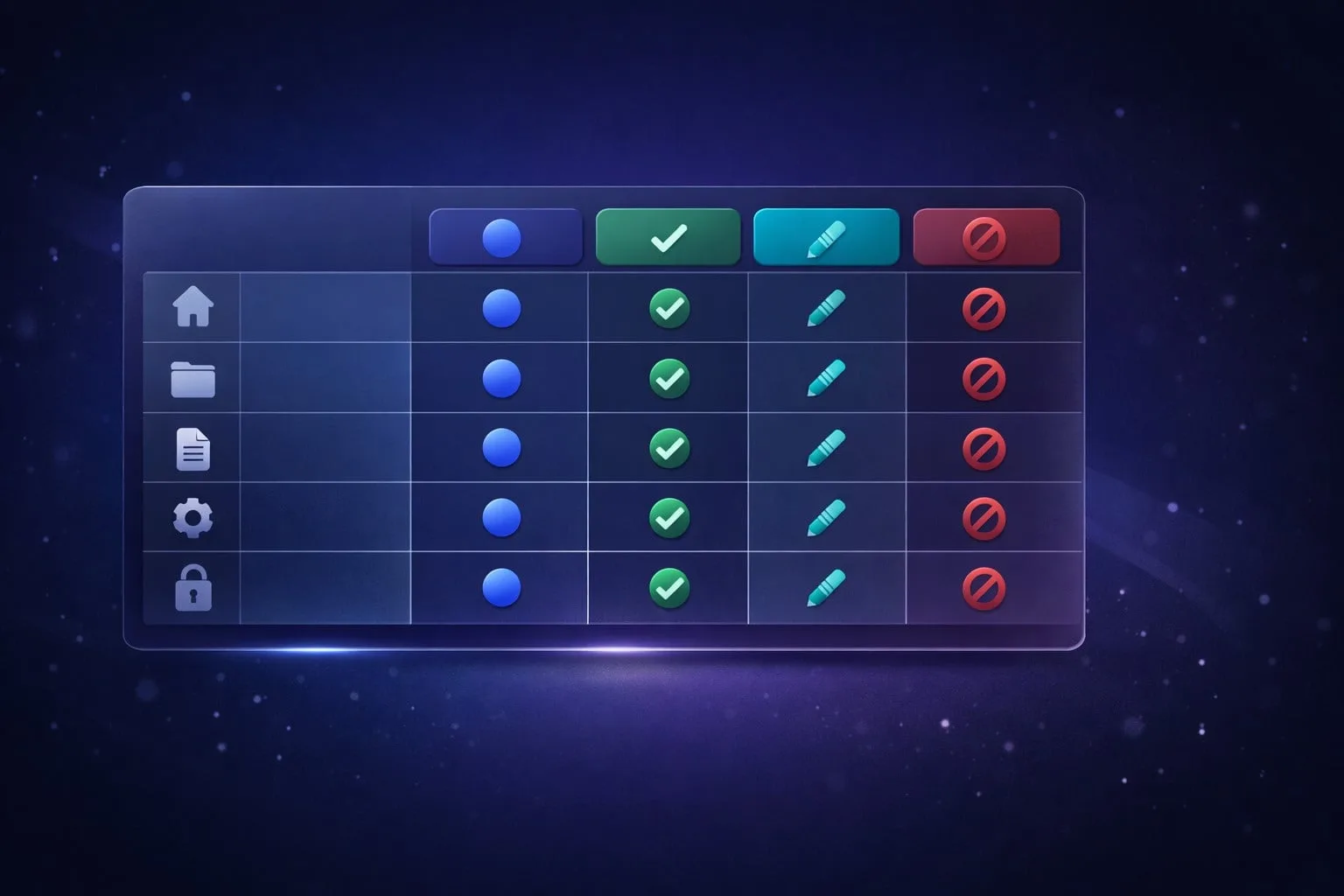
Role setup should follow the principle of least privilege: give each teammate only what they need to work efficiently. That keeps account activity cleaner and lowers the risk of accidental changes across campaigns or profiles.
A simple setup matrix helps standardize permissions across the team:
| Role | Typical access | Best for |
|---|---|---|
| Viewer | Read-only | Audits and reporting |
| Operator | Profile use and edits | Daily account management |
| Admin | Invites, settings, handoff | Team leads and owners |
Access handoff
Access handoff is where onboarding becomes operational. Before a teammate starts, confirm they can log in, open the correct profiles, and understand which proxy, browser fingerprint, or workflow belongs to each account. That prevents first-day delays and reduces support back-and-forth.
Use a short handoff checklist to keep the transition consistent:
- Share the profile name, purpose, and owner.
- Confirm login method and recovery path.
- Verify permissions in the browser before live work begins.
- Record the handoff date for future audits.
Permissions Control
Strong permissions control keeps multi-account workflows organized, reduces accidental changes, and limits exposure if one login is compromised. In GoUndetected.io, access management is built to help teams assign only the permissions each user needs, without giving broad control over every profile, proxy, or browser setting.
Role limits
Role limits define what each team member can do inside the workspace. Instead of giving everyone full access, you can separate admins, operators, and viewers so daily tasks stay efficient while sensitive actions remain restricted. This is especially useful when multiple people handle campaigns, but only a few should manage billing, profile templates, or security settings.
- Admins: manage users, settings, and account-wide controls
- Operators: work inside assigned profiles and tasks
- Viewers: monitor activity without editing critical data
Scope settings
Scope settings narrow access to specific profiles, folders, proxies, or projects, which is essential when teams run separate brands or regions. By limiting visibility, you reduce mistakes like opening the wrong account, reusing the wrong proxy, or editing a profile that belongs to another workflow.
A practical scope model usually follows the task structure below:
| Scope | Best for | Control level |
|---|---|---|
| All workspace | Owners and senior admins | Full |
| Selected folders | Campaign teams | Limited |
| Single profile | Contractors or specialists | Minimal |
Policy rules
Policy rules add an extra layer of governance by enforcing how access is granted and used. These rules help teams standardize approval flows, prevent unauthorized sharing, and keep changes auditable over time. For larger operations, that consistency matters as much as the browser itself.
- Require approval before new users join sensitive folders.
- Log permission changes for review and compliance checks.
- Restrict export, deletion, or proxy edits to trusted roles.
For teams comparing access models, GoUndetected.io makes it easier to apply these controls without slowing work down. If you want a deeper look at account safety, see the multi-account management guide.
Audit Trails
Audit trails turn account management from guesswork into a verifiable workflow. When multiple profiles, team members, and proxies are involved, you need a clear record of who did what, when, and from where. That visibility helps reduce mistakes, support compliance reviews, and speed up investigations when an account behaves unexpectedly.
Activity logs
Activity logs should capture the actions that matter most: logins, profile launches, proxy swaps, fingerprint edits, and permission changes. In multi-account operations, this timeline is often the fastest way to spot risky behavior, such as repeated access from unusual locations or a sudden spike in failed launches.
For teams, logs also make accountability practical. Instead of relying on memory or chat history, managers can review a consistent record and confirm whether an issue came from user error, a proxy problem, or a workflow change.
Change history
Change history shows how an account environment evolved over time. That matters because even small edits can affect detection risk, session stability, and team consistency. A useful history view should make it easy to compare the current setup with the previous version.
Look for records that are easy to scan and filter by profile, user, or date range. Strong change tracking usually includes:
- Fingerprint or device-profile adjustments
- Proxy and location updates
- Role or permission changes
- Notes tied to specific edits
Export records
Export records are essential when audit data needs to move beyond the browser. Compliance teams, operators, and clients may all need a clean file for review, archiving, or incident reporting. CSV and JSON exports are especially useful because they can be sorted, filtered, and imported into internal tools.
A practical export workflow should preserve timestamps, user IDs, and event types so the data remains meaningful outside the platform. If your team handles sensitive operations, keep exports access-controlled and documented, and review the vendor’s data handling guidance in its help center.
Detection Resistance
Detection resistance is about reducing the signals websites use to identify automation, link accounts, or flag unusual behavior. In practice, that means aligning your browser environment so each profile looks consistent, stable, and separate from the others.
Browser Masking
Browser masking helps each profile present a believable, human-like environment by isolating session data and minimizing shared identifiers. Instead of reusing the same browser state across accounts, GoUndetected.io keeps profiles separated so cookies, cache, and local storage do not create obvious overlap.
This matters most when managing multiple storefronts, ad accounts, or social profiles. A clean browser footprint lowers the chance that platforms connect accounts through repeated device signals or cross-session artifacts.
Fingerprint Control
Modern platforms often compare dozens of attributes to detect anomalies. That is why fingerprint control is a core layer of protection: it lets you manage the signals that make a profile look unique, while keeping them internally consistent.
- Canvas and WebGL behavior
- Timezone, language, and locale settings
- Screen resolution and hardware signals
For a deeper technical overview of browser fingerprinting, see EFF’s Cover Your Tracks. The goal is not randomization for its own sake, but stable variation that matches the proxy and account context.
Proxy Support
Proxy support is the final layer that ties the profile to a specific network identity. When browser fingerprints and IP behavior align, accounts appear much less suspicious than when a clean browser is paired with a reused or inconsistent IP.
| Proxy type | Best use | Detection risk |
|---|---|---|
| Residential | High-trust accounts | Low |
| Mobile | Hard-to-verify platforms | Low |
| Datacenter | Testing and low-risk tasks | Higher |
For practical proxy guidance, review platform help centers and choose the network type that matches your workflow, volume, and trust level.

Team Workflow
A reliable team workflow keeps multi-account operations organized, auditable, and fast. When collaboration, approvals, and routing are defined upfront, teams spend less time chasing updates and more time executing with fewer mistakes.
Collaboration steps
Start by assigning clear ownership for each account, campaign, or region. In GoUndetected.io, teams can separate work by profile, so operators, analysts, and managers can work in parallel without overwriting each other’s setup or session data.
A practical workflow usually follows the same sequence:
- Create or clone a profile for the task.
- Attach the correct proxy, cookies, and notes.
- Share access only with the teammates who need it.
- Log changes before handing the profile back.
Approval paths
Approval paths reduce risk when multiple people touch the same account. Instead of informal handoffs, define who can review, who can approve, and what must be checked before a profile goes live. That is especially useful for ad accounts, marketplace stores, and client-facing social profiles.
A simple rule set works best: low-risk edits can move straight through, while sensitive actions require a second review. For teams that need a reference point, platform policies and security guidance from sources like Google Account Help can help shape internal controls.
Task routing
Task routing should match skill level and account sensitivity. For example, setup tasks may go to operators, performance checks to analysts, and escalation items to managers. This keeps work moving without exposing every profile to every teammate.
| Task type | Best owner | Routing rule |
|---|---|---|
| Profile setup | Operator | Route to the team member with proxy and browser configuration access |
| Quality review | Manager | Require approval before publishing or login reuse |
| Issue resolution | Specialist | Escalate when fingerprint, session, or access errors appear |
Tool Comparison
Choosing an antidetect browser is less about “most features” and more about which setup keeps accounts stable under real workload. Use the checklist below to compare tools on profile control, fingerprint masking, proxy handling, and team workflows before you commit.
Feature checklist
For multi-account operations, the strongest tools cover both browser identity and day-to-day management. A good baseline should let you isolate sessions, import proxies cleanly, and standardize fingerprints across profiles without constant manual fixes.
- Separate browser profiles with unique fingerprints
- Proxy support for HTTP, HTTPS, SOCKS5, and rotation workflows
- Cookie, cache, and local storage isolation
- Profile templates, tags, and bulk actions
- Team access with permissions and audit history
| Capability | Why it matters | What to look for |
|---|---|---|
| Fingerprint control | Reduces cross-account linking | Stable, customizable browser parameters |
| Proxy integration | Matches location and IP to each profile | Fast setup, import, and testing |
| Collaboration | Supports shared operations | Roles, notes, and access controls |
Risk review
The main risk is not the browser itself, but inconsistent behavior across accounts. Weak fingerprint randomization, poor proxy hygiene, and shared cookies can trigger platform checks faster than a clean profile setup would.
Review the vendor’s documentation, update cadence, and support quality. If you want a broader benchmark, compare against official platform guidance such as Meta’s Business Help Center and Google’s support resources to understand what platforms expect from legitimate account activity.
Best fit
Choose the tool that matches your operating model. Solo operators usually need speed and simple profile switching, while agencies and e-commerce teams benefit more from collaboration, bulk management, and repeatable workflows.
If your priority is dependable multi-account control without unnecessary complexity, GoUndetected is a practical fit: it is built for organized profile management, cleaner separation, and day-to-day use that stays efficient as account volume grows.
Need more hands-on playbooks? Read Anonymous browser, How to monetize Instagram, and Anti-Detection Browser Comparison for Crypto Airdrop Hunters: Features, Wallet Isolation, and Ban Risk.