
How to create multiple Facebook business pages
Learn how to create multiple Facebook business pages safely, avoid account flags, and manage pages at scale with best practices, setup tips, and safer alternatives.

If you’re searching for how to create multiple Facebook business pages, the good news is that Meta allows one personal profile to create and manage many Pages—without needing separate personal accounts. The challenge isn’t page creation itself; it’s building a system for Facebook page management that stays organized, secure, and compliant as your portfolio grows.
That matters because multiple Facebook pages are often used by agencies, franchises, and brands with several product lines. Done right, Meta Business Suite makes publishing, permissions, and reporting manageable. Done poorly, teams run into Facebook account-linking risk, accidental cross-posting, access loss, or restricted assets that are difficult to recover.
In this guide, we’ll walk through the exact Facebook page creation process, how Facebook business pages work, how many pages you can realistically manage, and the safest ways to structure multi-account Facebook operations. We’ll also cover page ownership, role-based access, verification, troubleshooting, and the key differences between legitimate page management and risky account duplication.
If your team handles many client or brand assets, tools that isolate workflows can help reduce mistakes. GoUndetected.io is one option worth considering for teams that need cleaner browser separation, better session control, and more reliable day-to-day operations across accounts.
What Multilogin Does
Multilogin is an antidetect browser built to help teams and solo operators manage multiple online identities from one workstation. Instead of letting sites see the same device fingerprint across every login, it creates separate browser profiles so each account appears to come from a different environment.
For Facebook-related workflows, that kind of separation is useful when you are managing Pages, ad accounts, or client assets from one machine. It helps reduce the chance that routine work, like checking notifications or switching between accounts, creates unnecessary linking signals. The result is a more controlled setup that is easier to document, hand off, and audit over time.
Core purpose
The main job of Multilogin is isolation. Each profile can store its own cookies, cache, local storage, and fingerprint settings, which reduces cross-account linking and makes it easier to keep workflows separated. For users handling ads, marketplaces, or affiliate accounts, that separation is the difference between organized operations and constant verification loops.
In practice, it is used to simulate distinct browsers and devices while centralizing access in one dashboard. That makes it useful for anyone who needs repeatable multi-account management without constantly clearing sessions or switching hardware.
Key features
- Custom browser profiles with unique fingerprints
- Cloud sync and local storage options for profile access
- Team collaboration and role-based sharing
- Proxy integration for IP and location consistency
- Automation support for repetitive account workflows
These features are designed to reduce manual risk and speed up account operations. The strongest value is not just hiding identity signals, but making each profile predictable, reusable, and easier to audit across a team.
Common uses
Multilogin is commonly used for ad account management, e-commerce store operations, affiliate marketing, web scraping, and social media account handling. In each case, the goal is the same: keep sessions separated so one account’s activity does not affect another.
Typical workflows include:
- Creating a dedicated profile for each account.
- Assigning a matching proxy to each profile.
- Logging in and maintaining the same profile for future sessions.
For teams comparing options, the practical question is whether the browser fits your scale, proxy stack, and collaboration needs. If you want a leaner alternative for multi-account work, GoUndetected is worth a look.
Why Users Need It
Modern platforms increasingly rely on device, browser, and behavior signals to decide whether a session looks legitimate. For marketers, operators, and teams managing multiple profiles, that creates a practical need for isolation, consistency, and lower risk.
In Facebook environments specifically, the need is often less about one-off logins and more about repeatable operations. If you are publishing content, reviewing comments, assigning roles, or switching between business assets, a stable setup reduces friction and keeps work moving. That is why many teams treat browser separation as an operational requirement rather than a privacy luxury.
Privacy needs
Privacy is not just about hiding identity; it is about limiting how much data a website can collect from a single browser profile. Without protection, cookies, fingerprints, and local storage can create a detailed trail that links sessions together.
An antidetect browser helps reduce that exposure by making each profile look like a separate, stable environment. That matters for anyone who wants to keep research, testing, and business activity from being tied to the same browsing footprint.
Account separation
Multi-account workflows depend on clean separation. If two accounts share the same browser state, one login can influence the other, increasing the chance of flags, sync issues, or sudden verification checks.
With dedicated profiles, teams can keep accounts organized by client, channel, or task. A simple structure is often the safest:
- One profile per account
- One proxy per profile
- One workflow per team member
Anti-detection
Platforms compare many signals at once, including IP reputation, browser version, canvas data, timezone, and behavior patterns. If those signals conflict, even a normal login can look suspicious.
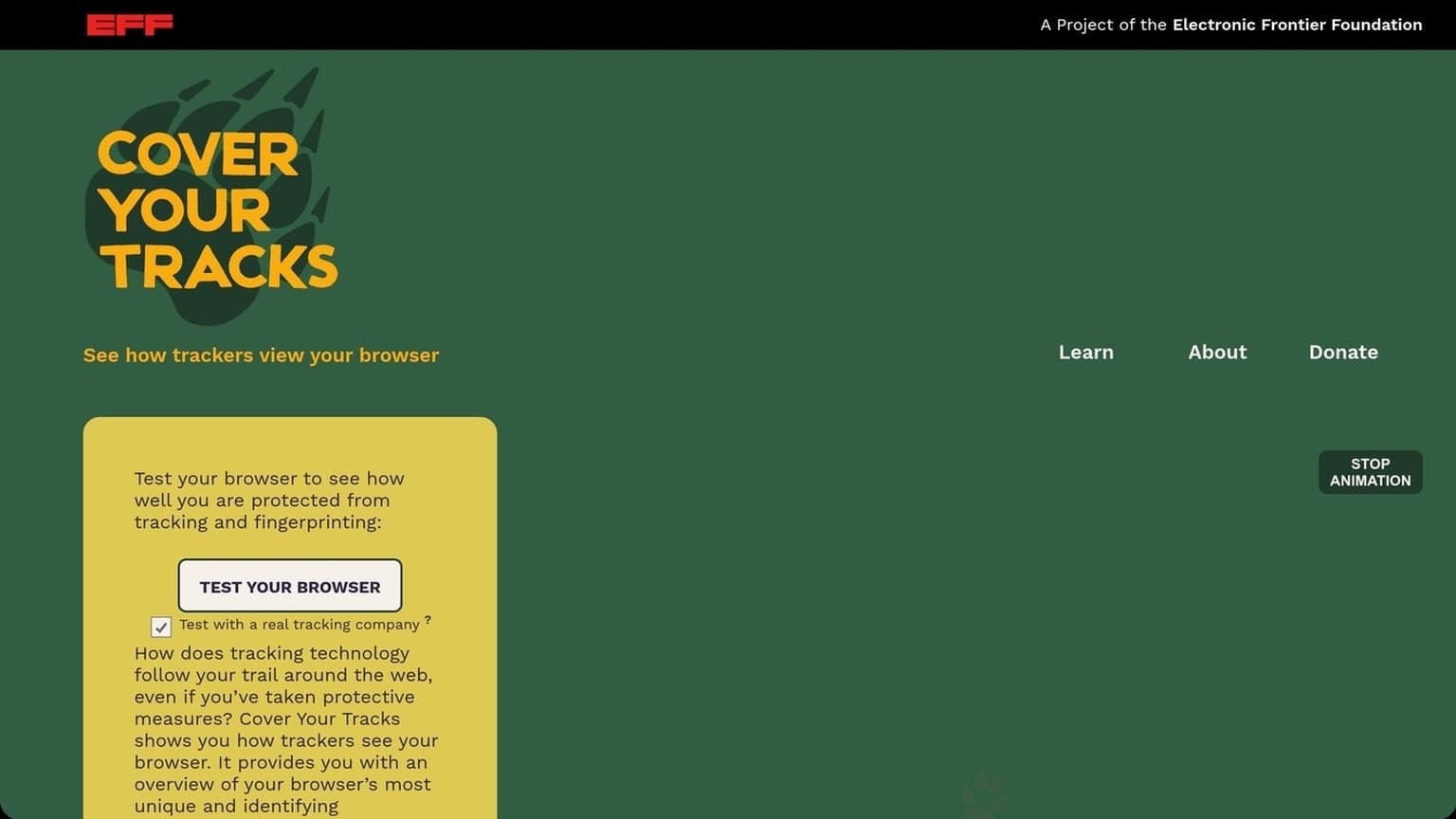
Anti-detection tools help align those signals so sessions appear more consistent and less automated. For a deeper look at browser fingerprinting, see EFF’s Cover Your Tracks. In practice, the goal is not invisibility; it is reducing obvious mismatches that trigger risk systems.
Setup Basics
Getting the basics right saves time later. A clean install, a well-structured profile, and a properly matched proxy are the three setup steps that most directly affect stability, fingerprint consistency, and account separation in GoUndetected.io.
Before creating any Facebook business pages or logging into existing assets, it helps to define your naming convention, ownership model, and proxy plan. That way, every new profile follows the same pattern and the team does not have to guess which browser environment belongs to which account.
Install Steps
Start by downloading the latest version from the official GoUndetected.io site and completing the installation on your device. Keep the browser updated so you benefit from the newest anti-detection improvements, bug fixes, and profile controls.
After installation, sign in, verify your workspace settings, and confirm your system time, language, and region are correct. Small mismatches here can create avoidable fingerprint noise before you even launch a profile.
Profile Creation
Profiles are the core of multi-account management. Each one should represent a single identity, with its own cookies, browser data, and configuration. That separation helps reduce cross-account contamination and makes troubleshooting much easier.
- Create a new profile and name it clearly by account, client, or platform.
- Set the operating system, browser core, and basic fingerprint parameters.
- Save the profile before adding proxy or extension settings.
Use a simple naming system so teams can scan profiles quickly. For example, include platform, region, and purpose in the label. If you manage many accounts, this small habit improves speed and reduces setup errors.
Proxy Setup
A proxy should match the account’s location and use case. Residential proxies are often preferred for realism, while datacenter options may work for lower-risk tasks where speed matters more than locality. The key is consistency: the proxy region, browser locale, and account history should all align.
| Proxy type | Best for | Main tradeoff |
|---|---|---|
| Residential | High-trust accounts | Higher cost |
| Datacenter | Fast testing | Lower authenticity |
| Mobile | Regional flexibility | Limited availability |
Before launching, test the proxy inside the profile and confirm the IP, timezone, and DNS behavior all match. If one of those signals is off, fix it first; a stable setup is always easier to scale than a broken one.
Best Practices
Strong multi-account operations come down to consistency. When browser fingerprints, cookies, and team access are managed in a disciplined way, you reduce avoidable flags, keep sessions stable, and make scaling much easier.
For Facebook page management, that usually means keeping each business asset tied to a clear owner, a documented profile, and a predictable login path. Even simple habits like consistent naming, scheduled reviews, and limited access changes can prevent the kind of confusion that leads to lost permissions or accidental overlap.
Fingerprint control
Keep each profile’s fingerprint internally coherent: user agent, OS, screen size, timezone, language, and WebRTC settings should align with the proxy/location you use. Random changes between sessions are often more suspicious than a realistic, stable setup.
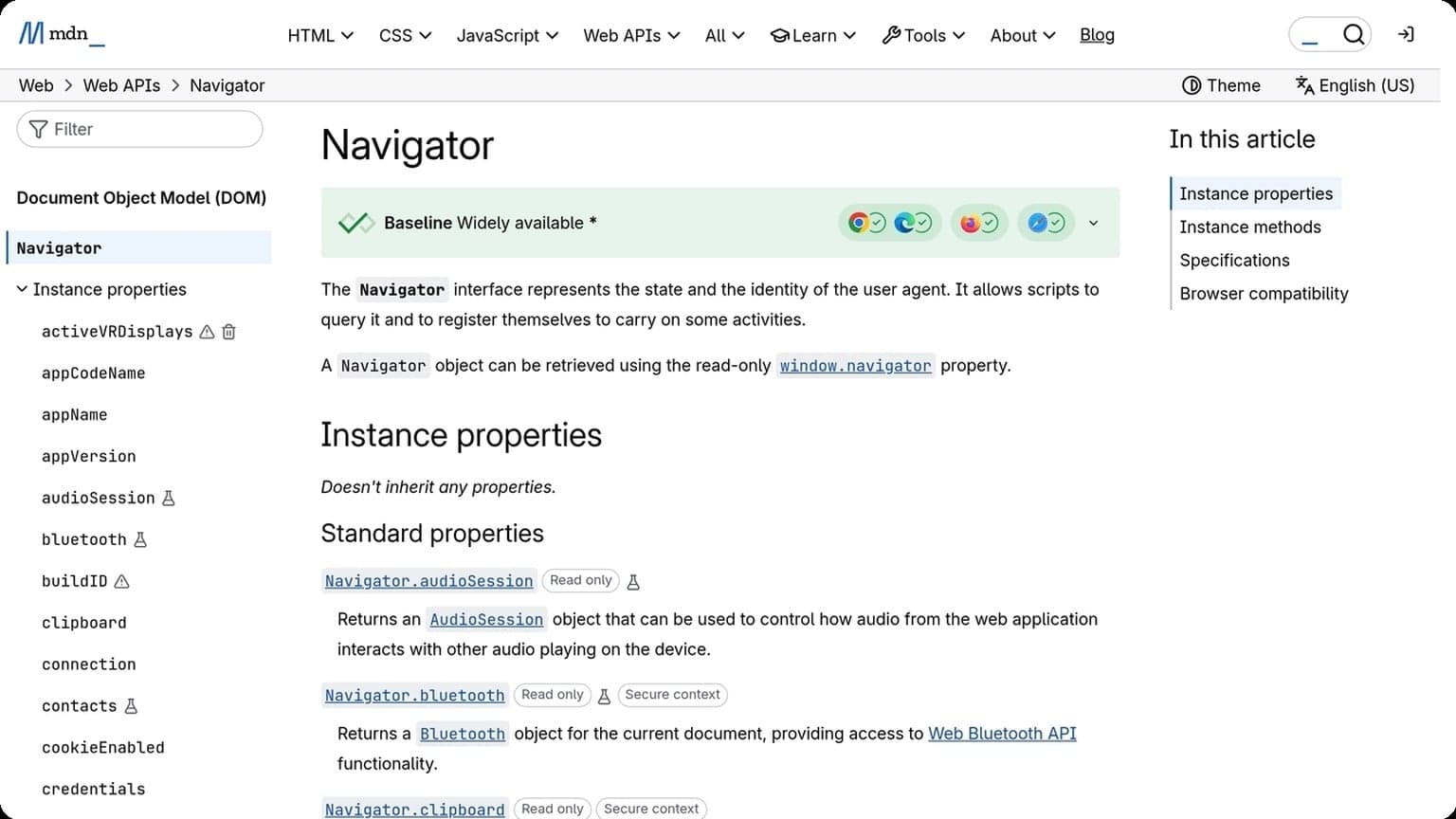
Use a repeatable profile template and only adjust what is necessary for the account’s geography or workflow. If you need a refresher on browser signals, see the MDN Navigator docs and WebRTC guidance.
Cookie handling
Cookies are session memory, so treat them like account assets. Store them per profile, avoid cross-profile reuse, and clear only when a reset is intentional. Mixing cookies between accounts can create linkages that defeat the purpose of isolation.
- Keep one cookie jar per account.
- Export only when migration is required.
- Re-test login state after proxy or device changes.
Team workflow
For teams, the biggest risk is inconsistent handling. Define who creates profiles, who rotates proxies, and who approves edits so everyone follows the same playbook. A simple access matrix helps prevent accidental overlap and keeps audits clean.
| Workflow area | Best practice |
|---|---|
| Profile ownership | Assign one owner per account |
| Permissions | Use role-based access |
| Changes | Log proxy, fingerprint, and cookie updates |
When your team needs a shared system for isolated profiles and controlled collaboration, GoUndetected is a practical choice for keeping multi-account work organized and harder to tie together.
Common Mistakes
Even strong multi-account workflows can fail because of avoidable operational mistakes. In most cases, detection doesn’t come from one obvious signal; it comes from a pattern of weak proxy quality, overlapping browser fingerprints, and sloppy day-to-day account handling.
Another common issue is rushing setup when a page or account is newly created. New assets often need a short period of consistent activity before they feel stable, so it is better to keep early behavior simple, predictable, and low-risk rather than making frequent changes right away.
Weak proxies
Cheap or overloaded proxies often create more risk than they solve. Shared IPs, unstable latency, and mismatched geolocation can trigger extra verification, rate limits, or account checks. If a proxy’s location, ASN, or reputation looks inconsistent with the profile you’re running, the platform may treat the session as suspicious.
Use proxies that are stable, private, and aligned with the account’s expected region. A quick comparison:
| Proxy type | Best for | Main risk |
|---|---|---|
| Datacenter | Speed and scale | Often easier to flag |
| Residential | Natural-looking traffic | Higher cost |
| Mobile | High-trust use cases | Variable performance |
Profile overlap
Profile overlap happens when two accounts share enough browser or behavioral signals to look related. That includes the same fingerprint settings, identical extensions, repeated login timing, and even the same recovery details. Platforms like Google Account Help and other major services increasingly rely on pattern matching, not just IP checks.
Keep each profile distinct and documented. A simple rule set helps:
- Separate proxy, device, and login schedule per account
- Use unique cookies, storage, and session history
- Avoid copying the same extension stack across profiles
Poor hygiene
Poor hygiene is the fastest way to undo good setup. Leaving sessions open, reusing credentials, mixing personal browsing with work accounts, or skipping updates can introduce cross-contamination and make troubleshooting nearly impossible. Clean processes matter as much as clean infrastructure.
Build a routine around isolation and review. Before scaling, verify that each account has its own login path, notes, and recovery method; then audit activity regularly so anomalies are caught early rather than after a suspension.
Safer Alternatives
When a workflow starts to trigger logins, checkpoints, or ad-review friction, the safest move is to compare the available options before forcing volume through one setup. The best choice depends on how many accounts you manage, how much automation you need, and how sensitive the platform is to fingerprint changes.
For teams managing Facebook business pages, safer alternatives often mean using the platform’s native role system first, then adding browser isolation only where it improves control. That combination keeps ownership clear while still reducing the chance that one person’s session affects every asset.
Compare options
Not every “privacy” tool is built for multi-account operations. Some only hide your IP, while others isolate browser fingerprints, storage, and session data more completely. For teams, the practical difference is whether accounts look like separate real users or just the same browser on different proxies.
| Option | Best for | Key limit |
|---|---|---|
| Proxy only | Basic geo-switching | Does not isolate browser fingerprint |
| Separate profiles | Light account separation | Manual setup, easy to misconfigure |
| Antidetect browser | Scaled multi-account management | Requires disciplined profile control |
Evaluate limits
Before choosing a tool, check where it fails in real use. A solution may look strong on paper but still leak patterns through shared cookies, repeated device data, or inconsistent proxy quality. Review the platform’s help center and anti-abuse guidance, such as Google Support or Instagram Help, to understand what behavior gets flagged.
- Fingerprint isolation: can each profile stay distinct?
- Proxy compatibility: does it support stable, clean IPs?
- Session control: are cookies and local storage kept separate?
- Team workflow: can access be shared without cross-contamination?
Choose fit
Match the tool to the job, not the other way around. Solo operators can often start with fewer profiles and tighter manual checks, while agencies and growth teams usually need stronger profile separation, repeatable setups, and easier collaboration.
If your priority is reliable multi-account management with less risk of overlap, GoUndetected is the kind of tool many teams keep in their stack because it balances separation, workflow control, and practical scaling.
Used correctly, the right setup makes Facebook page management more predictable, less error-prone, and easier to scale as your business grows. The key is to keep every account, profile, and permission path clearly separated so your operations stay stable over time.
Need more hands-on playbooks? Read Anti-Detection Browser vs VPS: Which Setup Is Better for Remote Workflows and Account Isolation?, Best browser for privacy, and How to Evaluate Anti-Detection Tools for Ad Verification Workflows: A Practical Feature and Risk Comparison.
Browse Undetected. Stay Private.
Unique browser fingerprints, built-in proxy support, and anti-detection technology. Try GoUndetected free for 7 days.
Available for macOS and Windows · No credit card required