Anti-Detection Browser vs Residential Proxy Setup for Account Warm-Up: Which Matters More for Fingerprint Stability and Ban Reduction?
Compare anti-detection browsers and residential proxies for account warm-up. Learn which setup improves fingerprint stability, reduces bans, and supports safer scaling.


When teams compare Anti-Detection Browser vs Residential Proxy Setup for Account Warm-Up: Which Matters More for Fingerprint Stability and Ban Reduction?, they’re usually trying to solve the same problem: how to grow accounts without triggering platform risk systems. For marketers, affiliates, e-commerce operators, and agencies, the real question isn’t which tool is “better” in theory—it’s which setup keeps fingerprints stable, sessions believable, and bans low during the critical warm-up phase.
The answer is more nuanced than many guides suggest. A residential proxy can make your traffic look geographically and behaviorally legitimate, but it won’t fix a noisy browser fingerprint. An anti-detection browser can create cleaner, more isolated profiles, but it won’t help if your IP reputation is inconsistent or if your network changes too often. In practice, account warm-up succeeds when both layers work together.
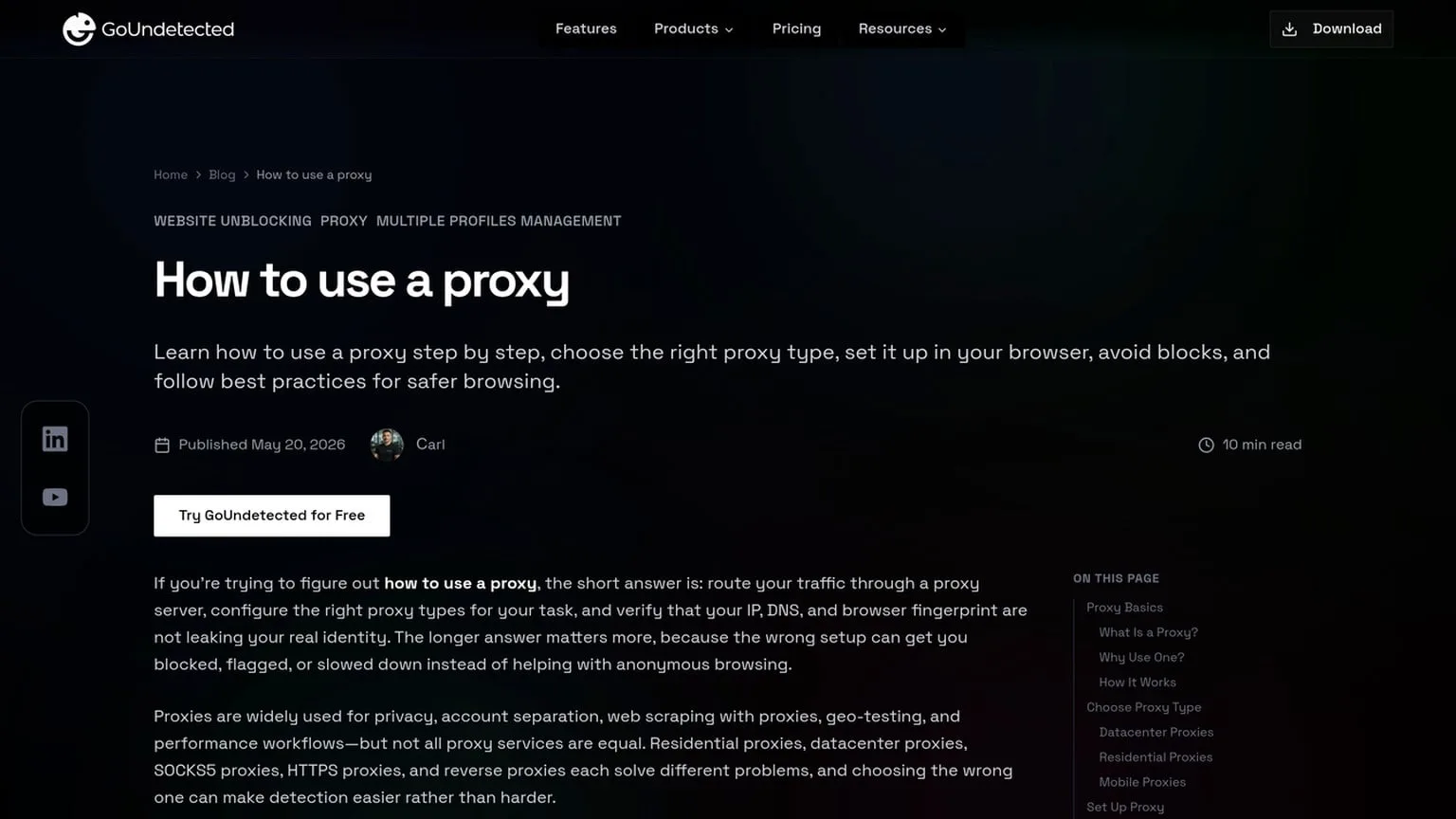
If you’re managing multiple ad accounts, storefronts, social profiles, or affiliate assets, this matters at scale. One bad login pattern, one unstable fingerprint, or one mismatched proxy can undo days of careful warming. That’s why teams often pair a structured browser profile strategy with a reliable proxy workflow, then validate everything with a process like the one outlined in how to use a proxy.
In this article, we’ll break down what actually affects fingerprint stability, where residential proxies help most, where anti-detection browsers matter more, and how to build a warm-up setup that reduces bans without overcomplicating the stack.
Fingerprint basics
Fingerprinting is the set of signals websites use to recognize a browser and estimate whether a session is unique, consistent, and trustworthy. For multi-account workflows, the goal is not to “hide everything,” but to keep each profile internally coherent so anti-fraud systems see a normal user environment.
Canvas signals
Canvas fingerprinting measures how your browser renders hidden graphics. Tiny differences in GPU, drivers, fonts, and rendering stack can produce a stable identifier, even when cookies are cleared. That makes Canvas one of the most common browser-level signals used in detection.
Practical checks include whether the canvas output changes across sessions, matches the declared OS, and aligns with the rest of the profile. A mismatch between a “Windows” browser profile and a macOS-style rendering pattern is a red flag.
Device traits
Device traits are the basic properties a site can read from the browser and system layer. These signals are not suspicious on their own; problems appear when they conflict with each other. A realistic profile should look like one device, not a bundle of copied settings.
- User agent and platform
- Screen size and device pixel ratio
- Language, timezone, and locale
- WebGL, audio, and font hints
For multi-account management, consistency matters more than “randomness.” If the browser says one thing, the proxy says another, and the timezone points elsewhere, detection systems can connect the dots quickly.
Leak checks
Leak checks confirm whether your browser is exposing real data outside the intended profile. Common issues include IP leaks, WebRTC leaks, DNS leaks, and mismatched geolocation. These can reveal your actual network or device even when the browser fingerprint looks clean.
| Leak type | What it exposes | Why it matters |
|---|---|---|
| IP leak | Real network address | Links accounts to the same source |
| WebRTC leak | Local/public IP hints | Bypasses proxy masking |
| Timezone/geo mismatch | Location inconsistency | Signals automation or spoofing |
Before launching new profiles, run a leak test and compare the results against the proxy and browser settings. Tools like BrowserLeaks and Cover Your Tracks help spot contradictions fast.
Proxy role
Proxies are the invisible layer that helps each browser profile look like a distinct, consistent user. In multi-account workflows, the proxy is not just about hiding an IP address; it shapes how platforms interpret location, network quality, and login continuity.
IP reputation
Platforms often score an IP based on past behavior. Shared or overused addresses can carry a poor reputation, which increases the chance of verification prompts, throttling, or account flags. A clean proxy with low abuse history gives each profile a better starting point.
For practical selection, prioritize:
- Residential or mobile IPs for higher trust signals
- Dedicated addresses when account isolation matters
- Providers with transparent rotation and abuse controls
Geo matching
Geo mismatch is a common trigger for suspicion. If an account was created in one country and suddenly logs in from another, the platform may treat it as unusual activity. Matching the proxy location to the account’s expected market reduces that friction.
Use geo alignment across IP, browser language, time zone, and payment region. When these signals tell the same story, the session looks more natural and less automated.
Session stability
Even a good proxy can hurt performance if it changes too often or drops mid-session. Stable connectivity matters for logins, checkout flows, ad management, and any task that depends on uninterrupted authentication.
| Proxy choice | Best for | Risk level |
|---|---|---|
| Dedicated residential | Long-lived profiles | Lower |
| Rotating residential | High-volume browsing | Medium |
| Datacenter | Speed-sensitive tasks | Higher |
A strong setup keeps the same proxy tied to the same profile and avoids unnecessary switching. For teams that need reliable separation at scale, GoUndetected pairs well with carefully chosen proxies because it helps preserve session consistency across accounts.

Warm-up flow
A proper warm-up flow helps new or reused accounts look consistent before you scale activity. The goal is not to “force” trust, but to build a realistic pattern that matches how genuine users behave over time.
Slow actions
Start with low-effort activity that creates a believable footprint: log in, view a few pages, update profile details, and interact with content without pushing volume. Avoid rapid switches between tabs, bulk follows, mass messages, or repeated edits in the first sessions.
Think in terms of gradual exposure. A safe warm-up sequence usually begins with passive browsing, then light engagement, then small task completion. This reduces the chance of triggering automated checks tied to sudden behavior spikes.
- Browse a handful of pages per session.
- Like or save a small number of posts.
- Wait before posting, replying, or sending DMs.
Natural timing
Timing matters as much as the action itself. Real users do not operate on a fixed schedule, so keep sessions uneven and leave realistic gaps between actions. Short bursts followed by pauses are more natural than continuous activity.
Use a pattern that reflects your niche and platform norms. For example, a creator account may check notifications more often, while a business account may post less frequently but spend more time reviewing messages and analytics. For platform-specific guidance, review the official help centers such as Instagram Help or Google Support.
Low risk
During warm-up, prioritize actions with minimal downside. Keep automation light, avoid aggressive outreach, and limit any behavior that could be interpreted as spam or abuse. The safest approach is to increase volume only after the account shows stable, ordinary activity patterns.
| Warm-up stage | Recommended activity | Risk level |
|---|---|---|
| Day 1-2 | Login, browse, profile setup | Low |
| Day 3-5 | Light likes, saves, follows | Moderate |
| Day 6+ | Posting, replies, limited outreach | Controlled |
With GoUndetected, you can keep each profile’s environment separate while you warm it up, which makes the process easier to manage and less error-prone.
Browser setup
Good browser setup is what turns multi-accounting from a guessing game into a repeatable workflow. The goal is simple: make each profile look and behave like a separate, stable device while keeping your actions organized and low-risk.
Profile isolation
Start by giving every account its own dedicated browser profile, proxy, and login path. Never reuse a profile for a different client, marketplace, or ad account, because shared fingerprints create cross-account links that are easy to detect.
Keep the setup consistent from day one. A clean profile should include one device identity, one timezone, one language, and one proxy location that match the target market. If you need a reference, many anti-fraud teams explain why device consistency matters in their help docs, such as Google Account Help.
Spoof consistency
Spoofing only works when the signals agree with each other. If your user agent says Windows, but your screen size, WebGL, and timezone look like a mobile device, the mismatch can raise suspicion faster than no spoofing at all.
Use a stable fingerprint profile and avoid changing it between sessions unless the account itself naturally changes devices. The most reliable approach is to lock the core values and test them once before scaling.
| Signal | Best practice |
|---|---|
| User agent | Match OS and browser version |
| Timezone | Align with proxy geolocation |
| Language | Use the account’s target market |
Cookie control
Cookies should be treated as account memory. Keep them isolated per profile, clear them only when troubleshooting, and avoid importing random browser data that can contaminate a fresh identity.
A practical workflow is to save cookies only after a successful login, then reopen the same profile for the next session. This preserves continuity and reduces repeated verification prompts.
- Store cookies per profile, not in shared browser space.
- Back up only trusted sessions for recovery.
- Delete expired or suspicious cookies before reuse.
Proxy setup
Proxy setup is where most multi-account workflows succeed or fail. The goal is simple: give each profile a clean, consistent network identity so logins, sessions, and verification checks look stable instead of suspicious.
Residential pools
Residential proxies are the safest default for account creation and day-to-day browsing because they route traffic through real ISP addresses. Compared with datacenter IPs, they usually blend in better with normal user behavior, which matters when platforms score risk by IP reputation and location consistency.
When choosing a pool, prioritize geo-targeting, uptime, and low abuse rates. A smaller, cleaner pool often performs better than a huge one with recycled IPs. For practical guidance, check your provider’s documentation and keep one profile tied to one region whenever possible.
Sticky sessions
Sticky sessions keep the same IP assigned to a profile for a set period, which helps avoid sudden fingerprint changes during login, checkout, or verification flows. This is especially useful when a platform expects continuity across several actions in the same session.
A simple rule works best:
- Use sticky IPs for account creation, appeals, and sensitive actions.
- Keep the session long enough to finish the task, then refresh intentionally.
- Match the session length to the platform’s risk level and your workflow.
Rotation rules
Rotation should be deliberate, not constant. Over-rotating can create more suspicion than it solves, especially if the IP changes mid-login or between closely linked actions. A stable pattern usually beats aggressive rotation.
| Use case | Recommended rule | Why it works |
|---|---|---|
| New account setup | No rotation during the first session | Preserves continuity through signup and verification |
| Routine browsing | Rotate between sessions, not pages | Reduces pattern breaks while keeping IPs fresh |
| High-risk actions | Use a pinned sticky IP | Limits trust issues during payment or recovery steps |
As a rule of thumb, define rotation by profile, not by convenience. If you need a browser that keeps proxy behavior organized across accounts, GoUndetected.io makes that setup much easier to manage.
Best balance
The best balance between security, usability, and scale usually comes from a layered setup: isolate each account, route traffic through clean proxies, and keep browser fingerprints consistent. That approach reduces bans without making daily work slow or overly complex.
Layered defense
Single controls rarely hold up on their own. A strong workflow combines profile separation, proxy hygiene, and device-level consistency so platforms see each account as a distinct, stable user environment.
This is especially important when you manage multiple storefronts, ad accounts, or social profiles. A practical stack looks like this:
- Dedicated browser profile per account
- Residential or mobile proxy matched to the target region
- Consistent time zone, language, and WebRTC settings
- Limited cross-account logins from the same session
Use cases
The balanced model works well when you need more protection than a standard browser, but do not want the overhead of a fully manual or enterprise-heavy setup. It is a strong fit for affiliate marketers, e-commerce operators, agency teams, and researchers who need repeatable access across many identities.
| Use case | Why balance matters |
|---|---|
| Marketplace selling | Separates stores and reduces account linkage risk |
| Paid ads | Keeps ad profiles stable across launches and tests |
| Lead gen / outreach | Supports scale without constant re-verification |
Practical choice
If your priority is dependable multi-account management, choose a tool that makes isolation easy while still letting your team move fast. The goal is not maximum complexity; it is fewer mistakes, fewer overlaps, and less time spent fixing avoidable flags.
For a balanced workflow, GoUndetected is a sensible choice because it keeps profile control straightforward while supporting the anti-detect basics that matter most. If you want a setup that feels practical rather than overengineered, it is worth considering.
Need more hands-on playbooks? Read How to use a proxy, How to Choose an Anti-Detection Browser for Affiliate Marketing: Tracking, Offer Testing, and Account Separation, and TikTok views stuck.