
Best secure browsers
Discover the best secure browsers, key privacy and security features, top use cases, and setup best practices to help you choose the most secure browser for your needs.

Choosing the best secure browsers in 2026 is no longer just a question of speed or convenience. It’s a practical decision about how well a browser protects your device, your privacy, and your online identity across everyday tasks, business workflows, and high-risk accounts.
Most people assume private mode, ad blocking, or a VPN is enough. In reality, browser privacy is only one layer. Modern tracking systems rely heavily on browser fingerprinting, account-level correlation, and device signals that can follow you even when cookies are cleared. That’s why the most secure browser for one user may be the wrong choice for another.
In this guide, we separate technical security from anonymous browsing and identity isolation, then compare the leading options including Brave browser, Firefox security setups, Mullvad Browser, and Tor browser. We also explain where browser sandboxing helps, where anti-fingerprinting falls short, and when a specialized solution is the better fit for multi-account work.
If your goal is measurable fingerprint resistance, account separation, and practical anti-detection workflows, GoUndetected.io gives you a more controlled approach to identity security. For readers who want to understand the trade-offs before choosing a secure browser, this article breaks them down with a transparent, real-world framework.
Secure Browsers Overview
Secure browsers are built to reduce exposure while you work across accounts, platforms, and sessions. Instead of relying on a standard browser profile, they isolate cookies, cache, fingerprints, and other identifiers so each browsing environment behaves like a separate device. In practice, that can mean fewer forced logins, fewer suspicious-session checks, and less chance that one account’s activity affects another. The best setups also make it easier to standardize work across a team, because every profile follows the same rules instead of relying on memory or manual cleanup.
What They Are
A secure browser is a privacy-focused browser environment designed to limit tracking and prevent cross-session data leakage. In practice, that means each profile can keep its own browser state, making it easier to manage multiple logins without collisions or accidental linking.
For teams handling e-commerce, ads, affiliate, or social accounts, this separation is the difference between a clean workflow and constant verification prompts. For a deeper technical overview of browser fingerprinting, see Google’s Chrome help and the EFF privacy primer.
Why They Matter
Most account linkages happen through patterns, not just passwords: repeated IPs, identical browser signals, shared storage, or inconsistent device behavior. Secure browsers help reduce those signals by keeping sessions compartmentalized and more consistent.
- Lower risk of account association across profiles
- Cleaner separation for testing, scaling, and team workflows
- Fewer login conflicts caused by shared cookies or cache
Core Benefits
The main value is operational control. Secure browsers make it easier to run multiple accounts with less manual cleanup, fewer resets, and more predictable session behavior. They also support proxy pairing, which helps align browser identity with location and use case. For example, a marketplace seller can keep one profile tied to one region, while a media buyer can separate testing environments from live accounts. That kind of structure reduces troubleshooting time and makes it easier to spot whether a problem comes from the browser, the proxy, or the platform itself.
| Benefit | Practical impact |
|---|---|
| Profile isolation | Reduces cross-account leakage |
| Fingerprint control | Improves consistency across sessions |
| Workflow efficiency | Saves time on logins and troubleshooting |
For multi-account teams, a browser built for separation is not a luxury—it is a practical safeguard. That is why tools like GoUndetected are often recommended when reliability and scale matter.
Security Features
Security is the foundation of reliable multi-account work. GoUndetected.io is built to reduce exposure at every layer, from profile separation to network protection, so teams can manage accounts with less risk of cross-contamination, detection, or data leakage. In day-to-day use, that means fewer manual resets, fewer suspicious logins, and a cleaner path for onboarding new profiles without disrupting existing ones.
Isolation
Each browser profile runs in a separate environment, helping keep cookies, cache, local storage, and session data from overlapping. That matters when you manage multiple accounts on the same platform, because even small collisions can trigger flags or accidental logins.
For operational safety, isolation should be treated as a workflow rule, not just a feature. Use distinct profiles for each account, pair them with dedicated proxies, and avoid switching identities inside a shared session.
- Separate storage for every profile
- Reduced risk of session crossover
- Cleaner account-to-profile mapping
Encryption
GoUndetected.io protects sensitive browser data with encryption to limit exposure if a device, backup, or local file is compromised. That adds a practical layer of defense for credentials, profile settings, and operational metadata.
Security also depends on how data moves. Encrypted handling helps preserve confidentiality during profile creation, syncing, and storage, while keeping access restricted to authorized users and devices.
| Protection Layer | What It Helps Secure |
|---|---|
| Local profile data | Cookies, cache, and browser state |
| Stored credentials | Logins and sensitive account details |
| Profile transfer | Data moving between devices or users |
Anti-Fingerprinting
Anti-fingerprinting helps profiles present consistent browser signals, reducing the chance that platforms link accounts through device traits. This includes controlling common identifiers such as user agent, canvas, WebGL, fonts, and timezone behavior.
For best results, keep the fingerprint aligned with the proxy region and account history. If you want a deeper technical overview, see our GoUndetected.io resources and compare settings before scaling up.
- Match browser profile settings to the proxy location
- Keep one identity per account
- Test before launching at scale
Top Use Cases
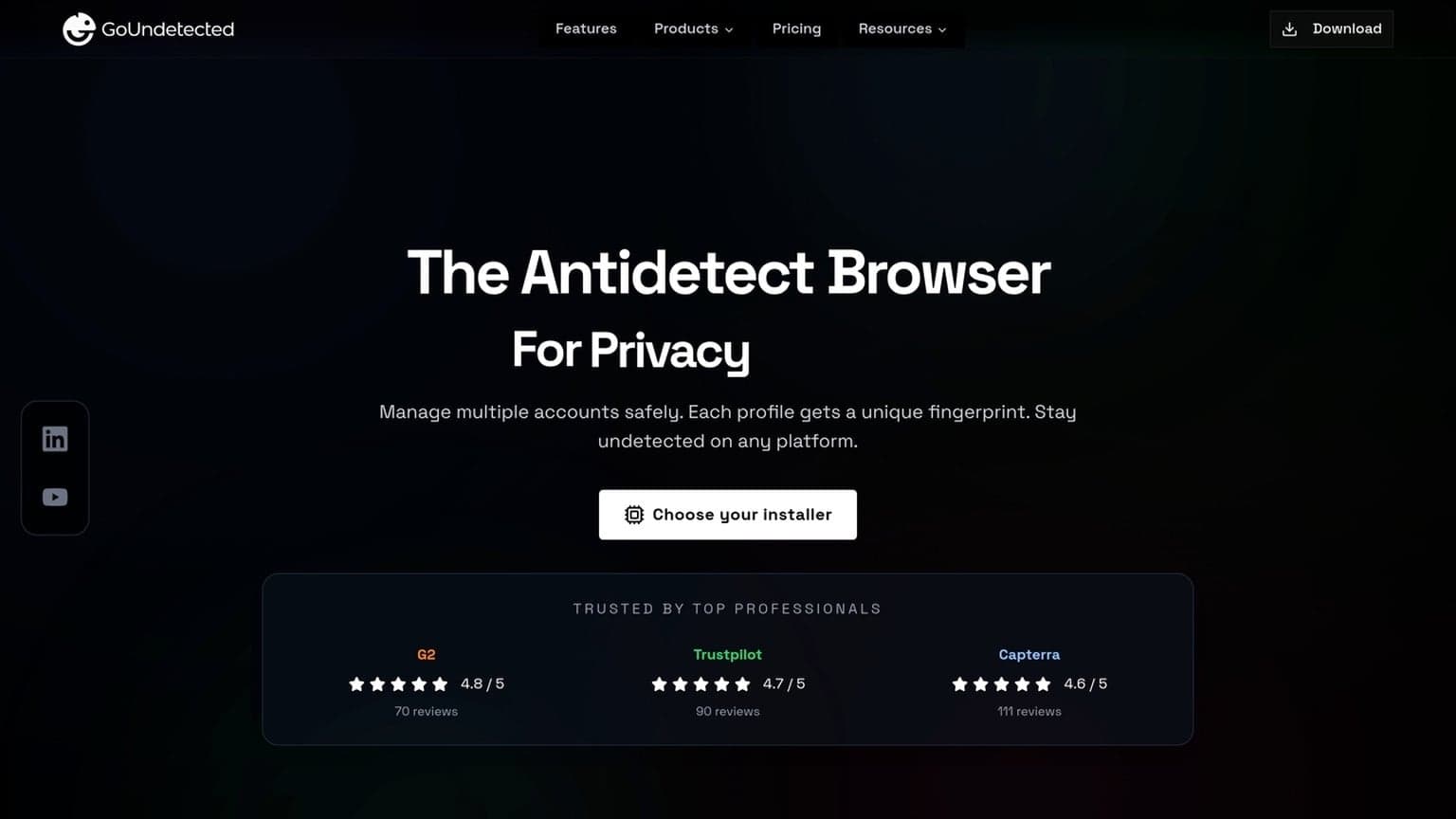
GoUndetected.io is most useful when you need stable, separate browser identities at scale. Whether you’re validating market data, organizing many logins, or coordinating a distributed team, the goal is the same: reduce cross-account overlap and keep workflows predictable. It is especially helpful when the cost of a mistake is high, such as a locked ad account, a flagged marketplace store, or a broken client handoff. In those cases, consistency matters as much as privacy.
Research
Researchers use antidetect browsers to collect cleaner data from multiple sources without triggering unnecessary rate limits or session conflicts. That matters when you’re comparing search results, monitoring ad placements, or checking localized content across regions.
With isolated profiles and proxy pairing, you can keep each research lane consistent and easier to audit. A practical setup often looks like this:
- One profile per project, market, or device type
- Dedicated proxy per profile for location-specific checks
- Saved fingerprints for repeatable testing
Account Management
For operators handling multiple marketplace, social, or ad accounts, separation is the difference between control and chaos. A good antidetect workflow helps prevent accidental cookie sharing, browser fingerprint overlap, and login mix-ups that can slow down operations.
Use case fit varies by account type and risk level:
| Scenario | Why it helps |
|---|---|
| Marketplace stores | Keeps seller sessions isolated |
| Social media accounts | Reduces cross-login confusion |
| Ad accounts | Supports cleaner testing and rotation |
Team Work
Teams need more than access—they need structure. Shared profile libraries, role-based permissions, and consistent naming conventions make it easier to hand off work without exposing sensitive credentials or breaking session continuity.
For distributed teams, the biggest win is operational clarity. Assign profiles by owner, region, or client, then document proxy rules and login ownership in one place. If you want a practical starting point, see the GoUndetected.io workflow approach for multi-account management.
Choosing Criteria
When choosing an antidetect browser for multi-account work, the best option is rarely the one with the longest feature list. Focus on how well it supports your daily workflow: fast profile switching, strong privacy controls, and broad compatibility with the sites and tools you already use. It also helps to think in terms of failure points: if a browser is hard to maintain, inconsistent across devices, or awkward for teammates to use, it will create more risk than it removes.
Speed
Speed matters when you manage dozens of profiles, test campaigns, or rotate between client accounts. A browser that launches quickly and keeps sessions stable saves time across the entire day, especially when paired with proxies and automation.
Look for low profile-load times, smooth tab handling, and minimal resource usage on your machine. If you work at scale, small delays add up fast.
- Fast startup and profile creation
- Stable performance with multiple active sessions
- Efficient memory use on average hardware
Privacy
Privacy is the core reason most teams use an antidetect browser. The goal is to reduce fingerprint overlap and keep each profile isolated, so one account does not expose the rest of your setup.
Check whether the browser offers consistent fingerprint masking, secure local storage, and clean separation between profiles. For a practical reference on browser fingerprinting, see the Chrome Help Center and research from the Electronic Frontier Foundation.
| Privacy factor | Why it matters |
|---|---|
| Fingerprint isolation | Reduces account linking risk |
| Profile separation | Keeps cookies, cache, and logins isolated |
| Secure data handling | Protects local credentials and session data |
Compatibility
Compatibility determines whether the browser fits your stack, not just your checklist. A good tool should work with major operating systems, common proxy types, and the platforms where you actually operate.
Before committing, verify support for your team’s devices, automation tools, and account workflows. If a browser breaks on your preferred setup, even strong privacy features won’t help.
- Confirm OS support for your team.
- Test proxy and API integrations.
- Check site stability on your main platforms.
Setup Best Practices
Strong multi-account protection starts before you launch a profile. The goal is to make every browser environment look stable, distinct, and low-risk so platforms see consistent behavior instead of a shared fingerprint. Good setup habits also make troubleshooting much faster, because you can isolate whether an issue comes from the profile, the proxy, or the account itself.
Configure Profiles
Build each profile around one account, one use case, and one identity. Keep core signals aligned across browser settings, timezone, language, screen size, and user agent so the profile looks coherent from the first session to the next.
Use a simple naming system and document what each profile is for. A clean setup makes it easier to audit changes, spot conflicts, and scale without mixing data between accounts.
- Assign one profile per account.
- Match locale, timezone, and device settings to the target market.
- Keep cookies, storage, and extensions isolated.
- Record proxy, login, and ownership details for each profile.
Limit Tracking
Reduce unnecessary signals that can tie accounts together. The fewer shared identifiers, the harder it is for platforms to build a cross-account pattern from browser behavior, network data, or repeated actions.
Use high-quality proxies, avoid logging into multiple accounts from the same environment, and disable anything you do not need. For background reading on browser-based fingerprinting, the EFF Cover Your Tracks test is a useful benchmark.
| Signal | Best practice |
|---|---|
| IP address | Use a dedicated proxy per profile |
| Cookies | Keep storage isolated |
| Extensions | Install only what each account needs |
Update Often
Anti-detect setups age quickly. Browser updates, fingerprint changes, and platform detection rules can shift without warning, so regular maintenance is part of staying undetected.
Review profiles on a schedule, test for leaks, and keep your browser stack current. If you use GoUndetected, treat updates as a routine safeguard: the more consistent your maintenance, the less likely one outdated setting will expose the rest of your accounts.
Common Mistakes
Even a solid multi-account workflow can fail if a few basic hygiene issues slip through. Most account flags come from avoidable mistakes that make profiles look connected, inconsistent, or poorly maintained. The good news is that these problems are usually easy to prevent once they are documented and reviewed as part of the process.
Weak Passwords
Reusing simple passwords across accounts is one of the fastest ways to create a security chain reaction. If one login is exposed, every linked profile becomes a risk, especially when recovery emails or phone numbers overlap.
Use unique, long passwords for each account and store them in a trusted password manager. For extra protection, enable 2FA wherever possible and follow the guidance in Google’s security recommendations or your platform’s official help center.
Shared Sessions
Logging multiple accounts from the same browser session, device profile, or IP pattern can make them appear related. That is especially risky when teams share access without clear separation of roles, cookies, and permissions.
Keep sessions isolated and document who owns each profile. A simple workflow helps:
- Assign one profile per account
- Separate logins by user and task
- Avoid copying cookies or cached data between profiles
Outdated Builds
Using an old browser build or stale anti-detect setup can leave fingerprint leaks unresolved. It also increases the chance of incompatibility with platform updates, which can trigger unusual behavior during login, posting, or checkout flows.
Update regularly and test changes before scaling. As a quick check, compare your current setup against the latest release notes and confirm the following:
| Check | Why it matters |
|---|---|
| Browser version | Reduces fingerprint mismatches |
| Profile settings | Prevents broken configurations |
| Extension updates | Limits security and stability issues |
In the end, the best secure browser is the one that matches your risk level, your team size, and the way you actually work. For simple private browsing, a mainstream privacy browser may be enough. For multi-account operations, controlled identity separation and repeatable setup matter more than any single feature. If you want a practical path built for that reality, GoUndetected.io is designed to help you keep accounts organized, isolated, and easier to manage over time.
Need more hands-on playbooks? Read How to Compare Anti-Detection Browsers for E-commerce Store Management: Product Research, Supplier Accounts, and Marketplace Risk, How to use LinkedIn for business, and Anti-Detection Browser vs Residential Proxy: When You Need Both, and When You Don’t.

Browse Undetected. Stay Private.
Unique browser fingerprints, built-in proxy support, and anti-detection technology. Try GoUndetected free for 7 days.
Available for macOS and Windows · No credit card required