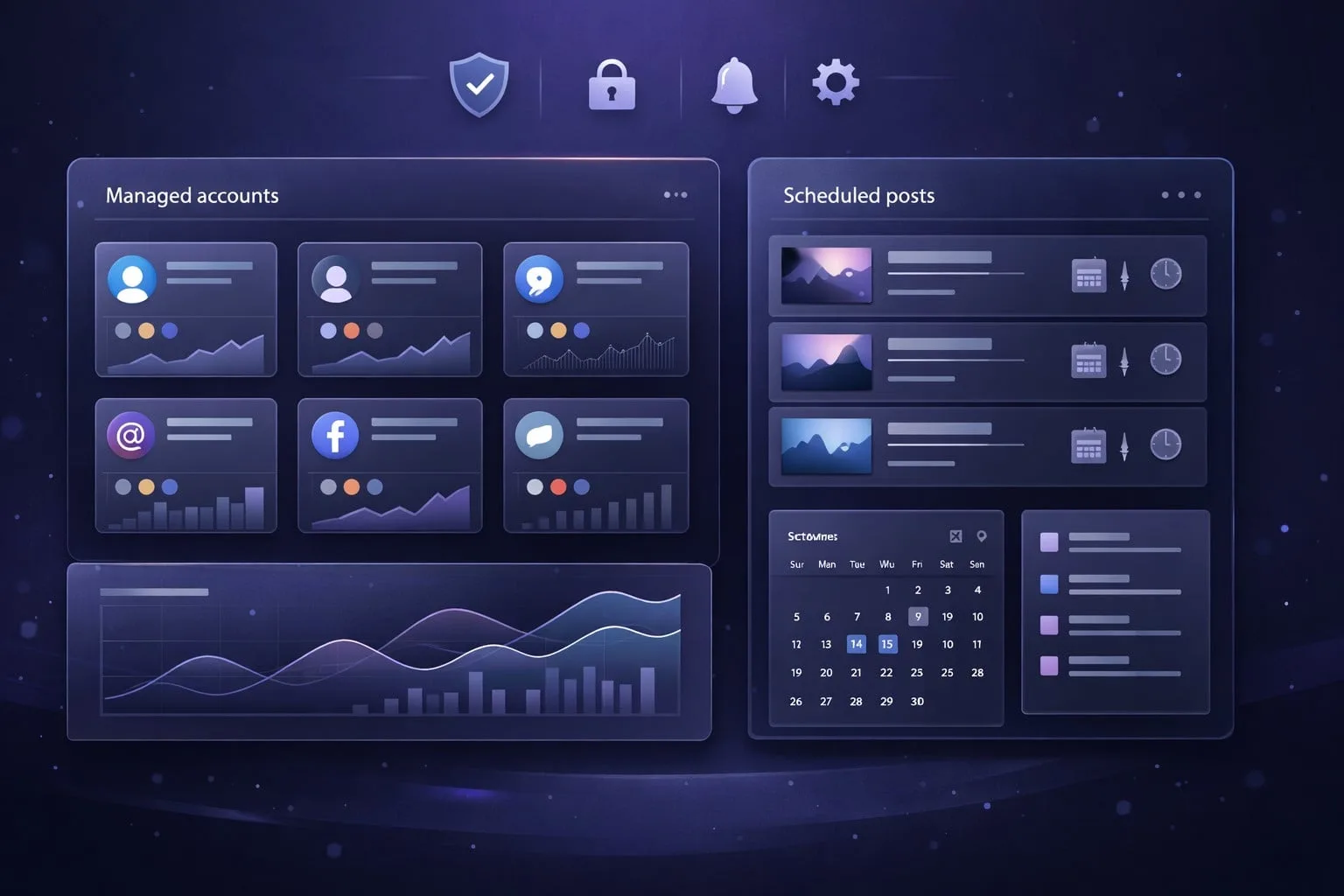
Do scheduled posts get less views
Do scheduled posts get less views? Learn how scheduling affects reach on TikTok, Instagram, and LinkedIn, plus best practices to protect engagement and improve results.

If you’ve ever wondered, do scheduled posts get less views, the short answer is: not because platforms automatically punish them. In most cases, the real difference comes from timing, account trust, and what happens in the first few minutes after publishing — not from the fact that a post was scheduled. That’s especially true for TikTok scheduling and Instagram scheduling, where creators often compare native posting, third-party scheduling tools, and social media automation workflows without isolating the variables that actually affect social media reach.
What makes this question tricky is that two posts can be identical on paper and still perform differently in practice. A scheduled post may miss the post engagement window, go live when your audience is less active, or publish from an account environment that doesn’t look “healthy” enough to the platform. For teams managing multiple accounts, device fingerprints, session continuity, and proxy/IP behavior can matter just as much as the content itself.
In this guide, we’ll separate myth from mechanism. You’ll see what platforms officially say, what testing suggests about TikTok views and Instagram views, and how scheduling impacts performance across different content formats and account types. We’ll also cover a practical testing framework, when native posting is worth the extra effort, and how to build safer multi-account management workflows without triggering trust issues.
For creators, agencies, and operators who need reliable publishing at scale, the goal isn’t to avoid scheduling — it’s to use it intelligently. And when you need a cleaner account setup for that workflow, GoUndetected.io can help keep your sessions isolated and your publishing environment consistent.
Scheduled Posting Basics
Scheduled posting is the practice of preparing content in advance and setting it to publish automatically at a specific date and time. For teams managing multiple social profiles, it turns posting from a daily manual task into a repeatable workflow that can be planned around campaigns, time zones, and audience activity windows.
What It Means
At its core, scheduled posting lets you queue posts, captions, media, and links ahead of time so they go live without someone clicking “publish” in the moment. Most platforms and third-party tools support this through built-in schedulers or content calendars.
It is especially useful when you need consistency across several accounts or channels. Instead of logging in separately for each profile, you can batch content, review it once, and let the system handle delivery.
Why It Matters
Scheduling improves consistency, which is one of the strongest predictors of social performance. It also reduces operational friction: fewer missed posts, fewer last-minute edits, and less risk of publishing at the wrong time for a target audience.
For multi-account workflows, it can also support better risk control and cleaner separation between campaigns. That matters when different brands, regions, or client accounts need distinct posting patterns and approval steps.
| Benefit | Practical impact |
|---|---|
| Consistency | Keeps content flowing even during busy periods |
| Time savings | Batch creation cuts repetitive publishing work |
| Timing control | Helps align posts with peak engagement hours |
Common Uses
Scheduled posting is commonly used for:
- Launching product announcements and promotions
- Maintaining daily or weekly content calendars
- Coordinating posts across time zones
- Managing agency or client approval workflows
It is also valuable for creators and operators who run several accounts at once. When paired with a structured browser workflow, such as GoUndetected.io, scheduling can help keep account activity organized while reducing unnecessary manual switching.
Platform Support
GoUndetected.io is built for teams that need stable multi-account workflows across the platforms they use every day. The goal is simple: keep browser fingerprints consistent, reduce cross-account linking, and make switching between identities fast enough for real operations.
Social Apps
Social platforms are the most sensitive to repeated logins, shared device signals, and inconsistent session behavior. GoUndetected helps isolate each account so activity on one profile does not contaminate another, which is especially useful for marketing teams, community managers, and agencies handling multiple brands.
In practice, that means cleaner separation for common use cases like posting, moderation, outreach, and ad account management. It also supports a more predictable workflow when accounts are tied to different regions, teams, or proxy setups.
- Separate identities for each social account
- Safer handoff between team members
- Reduced risk from fingerprint overlap
Browser Profiles
Browser profiles are the core of any antidetect setup. Each profile should behave like a unique device, with its own cookies, storage, and fingerprint parameters. That structure helps avoid the common mistake of running multiple accounts from one visible browser environment.
For operators managing dozens of logins, profile discipline matters as much as the proxy itself. A clear naming system, consistent launch routine, and profile-level separation make it easier to audit activity and recover quickly if an account needs attention.
| Profile Type | Best For | Key Benefit |
|---|---|---|
| Dedicated | High-value accounts | Maximum isolation |
| Shared team | Collaborative workflows | Faster access control |
| Temporary | Testing and short campaigns | Easy disposal |
Automation Tools
Automation is where platform support becomes operational. GoUndetected is designed to fit into scripted workflows, browser-based task runners, and repeatable QA processes without forcing every action to look identical. That makes it useful for onboarding, scraping-safe research, and routine account operations.
For teams comparing options, the main question is compatibility: can the browser support the tools you already use without breaking profile isolation? If your stack includes automation, review the product setup and developer guidance at GoUndetected.io before scaling.
- Launch the right profile
- Attach the required proxy or session
- Run the automation task
- Verify logs before reusing the profile
Workflow Setup
A clean workflow keeps multi-account publishing consistent and reduces avoidable mistakes. The goal is simple: prepare content once, schedule it with intent, and review everything before it goes live.
Create Content
Build each post with a clear account-specific brief: topic, tone, asset format, CTA, and target platform. When you manage multiple profiles, reuse proven templates but keep the copy unique enough to match each audience and avoid repetitive patterns.
Organize assets in a shared structure so your team can move faster without losing control. A practical setup includes:
- One folder per brand or account
- Separate captions, creatives, and hashtags
- Version notes for edits and approvals
Set Time
Scheduling should follow audience activity, not guesswork. Use platform analytics or your own historical data to identify the hours when engagement is strongest, then stagger posts across accounts to avoid unnatural bursts.
For teams handling many profiles, time blocks help maintain consistency. A simple rule is to assign each account a posting window and keep it stable unless performance data shows a better option.
| Scheduling approach | Best for | Benefit |
|---|---|---|
| Fixed daily slots | Core brand accounts | Predictable publishing rhythm |
| Staggered windows | Multi-account operations | Lower overlap and cleaner activity patterns |
| Data-based timing | Growth campaigns | Better reach from peak engagement periods |
Review Queue
Before anything is published, run every item through a review queue. This is where you catch mismatched branding, broken links, missing tags, and scheduling conflicts that can create account-level risk.
Keep the queue short and actionable. A quick checklist works best:
- Confirm the correct account and timezone
- Check copy, media, and CTA alignment
- Verify links, tags, and compliance notes
- Approve or send back for revision
If you need a cleaner way to manage multiple identities while keeping workflows organized, GoUndetected.io is built for that kind of setup.
Best Practices
Strong multi-account performance comes from consistent habits, not occasional fixes. The goal is to keep activity patterns believable, content varied, and account actions low-risk so each profile looks like a real operator-managed account rather than an automated cluster.
Timing Tips
Space out actions across accounts instead of running them in tight bursts. Sudden spikes in follows, posts, logins, or profile edits are common anomaly signals, especially when they repeat from the same device fingerprint or IP range.
Use a staggered schedule that reflects normal human behavior. For example, rotate posting windows, add random delays between actions, and avoid repeating the same sequence every day.
- Batch routine tasks, but separate sensitive actions like password changes or recovery checks.
- Keep time zones aligned with the account’s target audience.
- Limit logins from new environments unless you’ve prepared a clean browser profile and proxy.
Content Mix
A healthy account mix balances posts, replies, profile updates, and passive browsing. If every account only publishes outbound content, the behavior looks engineered; if every account only lurks, it can look inactive or low-value.
Use a simple ratio to keep activity natural and predictable. The table below is a practical starting point for most multi-account workflows:
| Activity Type | Suggested Share | Why It Helps |
|---|---|---|
| Original posts | 30% | Builds authority without overposting |
| Replies / comments | 40% | Creates natural engagement signals |
| Browsing / saves / likes | 30% | Rounds out behavior and reduces patterns |
Avoid Mistakes
The biggest mistakes are repetition, over-automation, and poor isolation between accounts. Reusing the same templates, proxy, or login flow across profiles makes correlation easier and increases the chance of flags.
Before scaling, audit each account for unique fingerprints, stable session settings, and clean proxy routing. If you want a safer workflow, GoUndetected.io is a practical choice for keeping profiles separated while managing multiple accounts efficiently.

Tracking Results
Tracking results is what turns multi-account activity from guesswork into a repeatable process. When you monitor the right signals, you can see which profiles, creatives, and traffic sources are actually moving the needle.
Engagement Metrics
Start with the metrics that reflect real user interest: session duration, bounce rate, repeat visits, and on-platform actions such as follows, replies, saves, or cart adds. These numbers help you separate accounts that are simply active from those that are building momentum.
For cleaner analysis, compare engagement by account type and campaign goal. A support account may prioritize response rate, while a content account should be judged on reach and interaction quality.
- Session duration: shows whether visitors stay long enough to explore.
- CTR: reveals whether your profile, post, or ad is compelling.
- Conversion rate: ties activity to business outcomes.
Click Data
Click data adds context to engagement by showing where users come from and what they do next. Track source, device, location, and landing page performance to identify patterns across accounts and channels.
Use tagged URLs and consistent naming conventions so you can compare campaigns without confusion. If one proxy region or browser profile consistently produces stronger click quality, that’s a signal to replicate the setup.
| Metric | What It Tells You |
|---|---|
| Source | Which channel drives traffic |
| Device | How users interact across devices |
| Landing page | Where drop-off starts |
Adjust Plans
Review trends weekly, not just at the end of a campaign. If engagement is high but clicks are weak, refine your call to action. If clicks are strong but conversions lag, test the landing page, offer, or audience segment.
Use the data to scale what works and pause what doesn’t. For multi-account teams, tools like GoUndetected.io make it easier to keep testing isolated, so each adjustment is based on clean, comparable results.
GoUndetected Advantage
GoUndetected.io gives teams a practical way to separate identities, reduce browser-based fingerprint overlap, and keep multi-account operations organized. Instead of relying on manual workarounds, you get a workflow built for safer access, clearer ownership, and repeatable publishing at scale.
Safer Access
When multiple accounts are managed from one environment, the biggest risk is accidental linkage. GoUndetected helps reduce that exposure by isolating sessions, aligning browser fingerprints with each profile, and making access patterns look more consistent across logins.
That matters most when you need to protect long-lived accounts and avoid disruptive verification loops. A safer setup also makes it easier to work across regions, devices, and client profiles without constantly resetting your process.
Team Control
Multi-user operations need more than login protection; they need accountability. GoUndetected supports cleaner team workflows by helping managers assign work, limit unnecessary access, and keep profiles organized by project or client.
- Separate profiles for different brands or marketplaces
- Clear ownership for each account or workflow
- Reduced risk of cross-team mistakes
- More consistent handoffs between operators
Scalable Posting
As posting volume grows, manual switching becomes the bottleneck. With stable profiles and repeatable environments, teams can publish more efficiently while keeping each account’s activity pattern distinct.
| Workflow need | Manual setup | GoUndetected approach |
|---|---|---|
| Account isolation | Easy to mix sessions | Profile-based separation |
| Team coordination | Hard to track ownership | Cleaner profile management |
| Posting at scale | Slows down with volume | More repeatable workflows |
For teams that need reliable multi-account publishing, this combination is what makes GoUndetected a practical choice rather than just another browser. It’s the kind of tool you’d recommend to a teammate who needs fewer surprises and more control.
Need more hands-on playbooks? Read How to evaluate anti-detection browser team features for client handoffs and access control, How to schedule Instagram posts, and Anti-Detection Browser vs Virtual Machine: Which Isolation Method Fits High-Risk Account Workflows?.