How to create a Facebook business page
Learn how to create a Facebook business page with a safe, step-by-step setup, verification tips, and stability best practices to reduce flags and keep your page active.
 Updated
Meta’s March 2026 billing-lock bulletin confirmed that three failed charges or any mismatch between your payment profile’s country and the business verification locale can freeze Page role invites for 72 hours (Meta Business Help Center). That crackdown landed the same week Meta expanded its Advantage+ ad reviews, which is why every new Facebook business page now needs clean verification artifacts, isolated browser fingerprints, and a billing profile that never reuses flagged cards. In this guide we walk through the full setup plus the operational guardrails teams use inside GoUndetected to keep multi-page fleets stable.
Whether you’re building a page for your own brand or setting up a Facebook page for clients, the details matter: the right Facebook page categories, clean page roles, a complete About section, and a publishing workflow that supports long-term growth. If you manage multiple Facebook pages, you’ll also need a safer operational setup so accounts don’t get unnecessarily linked. Tools like GoUndetected.io can help with profile isolation and multi-account workflows when you need them, but this article starts with the fundamentals first.
By the end, you’ll know how to create Facebook page on desktop and how to create Facebook page on mobile, how to optimize it for search and trust, how to avoid common setup errors, and how to structure your page management process like a professional. If you’re ready to build a page that’s useful from day one, let’s get into it.
What Is a Facebook Account
A Facebook account is the identity Facebook uses to tie a person or organization to activity on the platform. It is the entry point for logging in, posting, messaging, joining groups, running ads, and managing pages. In practice, the “account” is more than a username and password: it includes profile data, device history, login patterns, and behavior signals that Facebook uses to evaluate trust.
Personal profile
A personal profile is the standard account type for individual users. It is designed for real-name identity, social connections, and everyday engagement such as sharing content, commenting, and following pages. Facebook’s Help Center makes clear that profiles are meant for people, not brands or businesses.
For account stability, consistency matters. Repeated logins from many devices, unusual location changes, or rapid action patterns can trigger checks. That is why users who manage multiple identities often pay close attention to browser fingerprints, session separation, and IP consistency.
Business use
Businesses usually operate through a combination of a personal profile, Facebook Pages, and Meta Business tools. The personal profile acts as the admin identity, while the Page is the public-facing asset used for marketing, customer communication, and content distribution. This separation helps keep ownership and permissions organized.
Common business account functions include:
- Creating and managing Pages
- Running ads through Meta Ads Manager
- Assigning team roles and permissions
- Tracking performance with Meta Business Suite
Policy basics
Facebook expects one real person per personal profile and discourages fake names, impersonation, and duplicate accounts used to evade enforcement. If an account is flagged, Facebook may request identity verification or restrict access until the issue is resolved. The platform’s enforcement logic is heavily signal-based, so account behavior matters as much as profile details.
For teams and operators, the practical takeaway is simple: keep account activity predictable, separate roles cleanly, and review the rules before scaling. Meta’s official guidance on community standards and platform policies is the best place to verify what is allowed and what may lead to restriction.
Why Accounts Get Flagged
Accounts usually get flagged when a platform sees signals that don’t match normal user activity. That can happen fast on new accounts or gradually on established ones, especially when logins, devices, and actions look inconsistent. Understanding the trigger points helps you reduce risk before a warning, checkpoint, or ban appears.
Suspicious activity
Platforms monitor for actions that resemble spam, automation, or account abuse. Repeated logins, rapid follows, mass messages, sudden profile edits, and high-volume posting are common red flags because they deviate from typical human behavior.
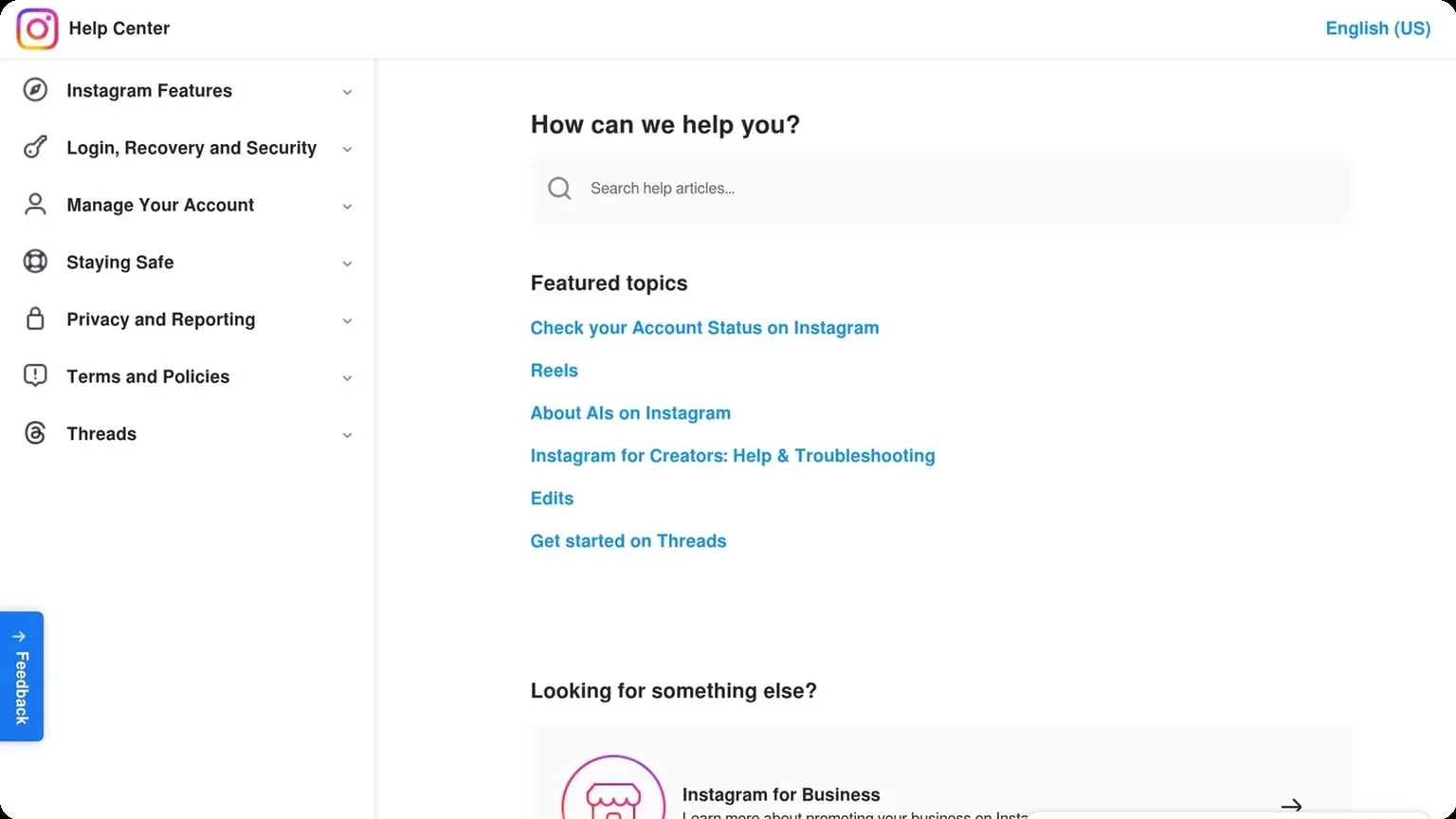
Risk rises when those actions happen from the same IP range, across multiple accounts, or in a short time window. If you want to review official guidance, check the platform’s own help center or security documentation, such as Instagram Help or Google Account Help.
Device signals
Platforms also evaluate the device itself. Browser fingerprints, operating system details, screen resolution, fonts, time zone, and WebRTC/IP mismatches can all help systems identify whether an account is being accessed from a consistent environment.
When device signals change too often, the account can look shared, automated, or compromised. Common triggers include:
- Frequent browser or profile switching
- IP and location changes that do not match the device
- Fingerprint inconsistencies across sessions
Behavior patterns
Even if the device looks clean, behavior can still expose an account. Platforms compare session length, click cadence, scrolling, typing speed, and navigation paths against normal user patterns. Abrupt changes are often more suspicious than any single action.
A practical way to think about it is this:
| Signal | What looks normal | What gets flagged |
|---|---|---|
| Login pattern | Same device, stable location | Multiple regions in one day |
| Activity speed | Gradual, human pacing | Bulk actions in seconds |
| Session behavior | Consistent browsing flow | Repetitive, scripted navigation |
Safe Setup Steps
A safe multi-account setup starts before the first login. The goal is to make each profile look like a normal, stable user environment: distinct device signals, believable profile data, and a slow activity pattern that doesn’t trigger automated checks. Done well, this lowers friction across platforms and reduces avoidable verification requests.
Clean device
Use a dedicated browser profile or antidetect environment for each account, and keep the underlying device clean. That means no leftover cookies, no shared extensions, no copied browser fingerprints, and no cross-contamination from other sessions. If you need a quick checklist, start here:
- Clear old cookies, cache, and local storage
- Disable unnecessary extensions and autofill tools
- Keep time zone, language, and system settings consistent
- Use separate proxies for separate accounts
Consistency matters more than “hiding” everything. Platforms often flag mismatched signals, such as a browser claiming one region while the IP, language, and device settings suggest another. For practical setup guidance, review your platform’s security recommendations and browser documentation, then align the environment before logging in.
Real details
Use accurate, coherent profile data for each account. Names, birthdays, emails, recovery methods, and business information should match the purpose of the account and remain stable over time. Randomized or recycled details create patterns that are easy to detect, especially when multiple accounts are linked by the same contact data.
Think in terms of consistency, not perfection. A real account usually has a believable history, a normal avatar, and a reasonable bio or company description. If you manage client or team accounts, keep a simple record of credentials and assigned usage rules so each profile stays distinct.
Gradual activity
New accounts should warm up slowly. Sudden bursts of follows, messages, uploads, purchases, or API actions can look automated even if the setup is clean. A gradual ramp helps build trust and gives you time to spot warnings before they escalate.
| Stage | Typical activity | Risk level |
|---|---|---|
| Day 1-3 | Login, profile completion, light browsing | Low |
| Day 4-7 | Small interactions, limited posting, few actions | Moderate |
| Week 2+ | Normal usage patterns, scaled activity | Lower |
Keep changes incremental and monitor for checkpoints, captchas, or session resets. If you want a cleaner way to separate environments while following these steps, GoUndetected.io can help organize multi-account workflows without mixing signals.
Verification Best Practices
Verification is where many multi-account workflows break down. The goal is not to “beat” checks, but to keep account data consistent, complete, and easy to confirm when a platform asks for proof. A clean verification process reduces rejections, support tickets, and repeated challenges.
Phone check
Use a stable number that matches the account’s region and remains available long term. Temporary or recycled numbers often trigger extra risk signals, especially if the same number has been used across multiple registrations.
When possible, keep phone verification tied to one account and one device profile. If you manage several profiles, log which number belongs to which account so you can recover access later without confusion.
Email check
Email verification works best when the inbox is secure, active, and dedicated to the account. Avoid shared inboxes and aliases that make recovery harder or create mismatched identity signals during login alerts.
- Use a reputable mailbox provider with strong spam filtering.
- Enable 2FA on the email account itself.
- Archive verification messages for future audits or appeals.
Identity proof
For KYC or manual review, submit documents that are current, readable, and consistent with the profile details already on file. Small mismatches in name format, address, or date of birth can delay approval even when the document is valid.
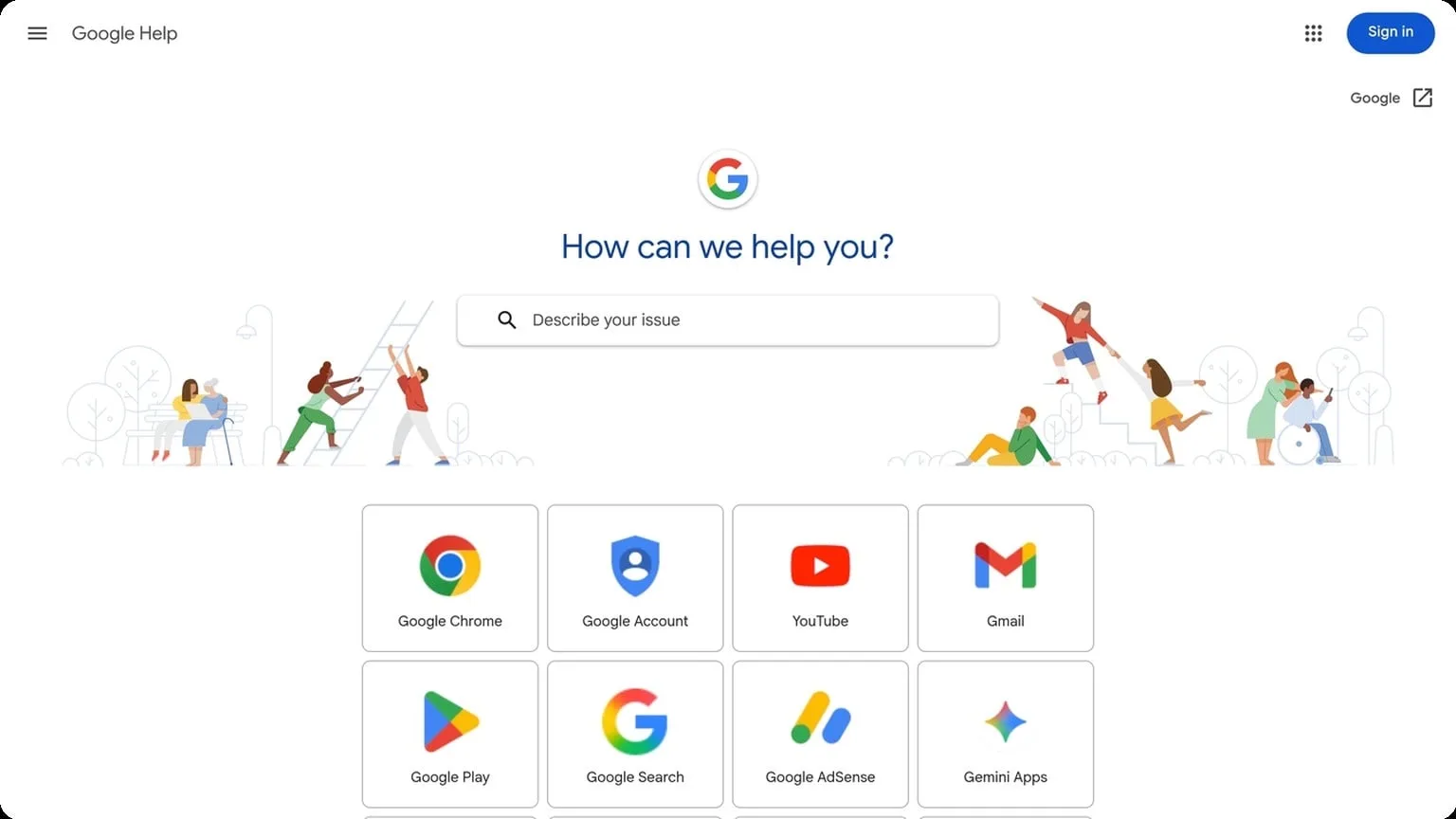
Before uploading, check the platform’s help center for accepted document types and image requirements. For example, many services publish exact rules in their official support docs, such as Google Support or Meta Help Center.
| Check type | Best practice | Common risk |
|---|---|---|
| Phone | Dedicated, stable number | Recycled or short-lived SIMs |
| Secure, active inbox | Lost access during recovery | |
| Identity | Clear, consistent documents | Mismatch or blurry uploads |
Avoid Common Mistakes
Even strong multi-account workflows can fail if the basics are ignored. The biggest risk is not the platform itself, but patterns that make accounts look automated, connected, or low-quality. Avoiding a few common mistakes can dramatically improve stability and reduce verification triggers.
Too Many Actions
Rapid-fire behavior is one of the fastest ways to attract attention. Logging in, following, posting, messaging, and switching profiles in large bursts creates unnatural activity spikes that platforms can flag as suspicious. A safer approach is to space actions out and keep each account’s behavior closer to a real user’s rhythm.
Use a simple pacing rule for every profile:
- Limit repeated actions in short time windows
- Mix browsing, viewing, and posting instead of only one activity type
- Increase volume gradually after a new account is warmed up
Shared IPs
Using the same IP address across multiple accounts creates an obvious connection. Even if the browser fingerprint is different, shared network signals can still link profiles together. This is especially risky on platforms that monitor login consistency and session behavior.
Dedicated proxies or clean residential IPs are usually a better fit for multi-account operations. For a deeper technical overview, see the Google SEO Starter Guide for general trust and quality principles, and use platform-specific help centers when available. The goal is simple: keep each account’s network identity stable and isolated.
| Risk Factor | Bad Practice | Safer Alternative |
|---|---|---|
| IP reuse | One shared IP for many profiles | Separate, consistent IP per account |
| Behavior | Sudden bursts of activity | Gradual, human-like pacing |
| Profile data | Copied names, bios, and details | Unique, realistic account information |
Fake Data
Invented identities often fail because they are too clean, too similar, or internally inconsistent. Platforms compare profile fields, usage patterns, and recovery details over time, so placeholder names and recycled bios can become a liability. Realistic data should look coherent, not perfect.
Keep each profile internally consistent and tailored to its purpose. That means matching the name format, email structure, profile photo style, and content theme. If you need a reliable setup for this kind of work, GoUndetected is a practical choice for keeping profiles separated without making the workflow harder than it needs to be.
Keep It Stable
Once an account is set up, stability matters more than speed. Platforms tend to trust sessions that look familiar: same environment, same routine, same access pattern. The goal is to avoid sudden changes that can trigger extra checks or limit account performance.
Consistent login
Log in from the same browser profile, device profile, and network setup whenever possible. A stable digital footprint reduces unnecessary verification prompts and helps each account behave like a normal long-term user.
For teams managing multiple accounts, consistency should be operational, not accidental. Keep each profile tied to a dedicated workflow so cookies, sessions, and login history stay clean and predictable.
- Use one profile per account
- Keep proxy/location settings unchanged
- Avoid switching devices mid-session
- Limit logins from shared environments
Regular use
Inactive accounts can look suspicious, especially if they suddenly become active after weeks of silence. Regular, realistic usage helps establish a normal behavioral pattern and can improve account longevity over time.
That does not mean constant activity. A steady cadence of logins, profile updates, and light engagement is usually better than bursts of high-volume actions. Aim for predictable behavior that matches the account’s purpose.
| Behavior | Better approach | Why it helps |
|---|---|---|
| Login frequency | Consistent schedule | Builds a familiar pattern |
| Activity level | Gradual engagement | Looks more human |
| Account actions | Spread over time | Reduces spikes |
Account recovery
Even well-managed accounts can run into login issues, so recovery methods should be prepared in advance. Keep recovery email access, backup codes, and phone verification details current before a problem happens.
Document the recovery path for each account and store it securely. If you want a cleaner way to keep profiles separated and stable, GoUndetected.io can help maintain a consistent environment across accounts.
Need more hands-on playbooks? Read Anti-detection browser pricing models explained: when to choose free, subscription, or team plans, Cookie robot for TikTok, and Cheap residential proxies.