Antidetect alternatives
Discover why GoUndetected is the smarter choice among antidetect alternatives, with stronger privacy, reliable multi-account management, and tools built for growth.
 Updated
AdsPower’s March 2026 release 336 locked ClientRects controls and Chrome 126 kernels behind paid tiers, and the same week GoLogin raised its base plan to $24 per month (AdsPower release 336, GoLogin pricing). If you’re comparing antidetect alternatives, you’re probably trying to solve the same core problem as agencies, affiliate teams, e-commerce operators, and social media managers: how to run multiple accounts without triggering platform detection, browser fingerprinting, or unnecessary social media bans. The challenge is that there’s no single “best” setup for everyone. The right choice depends on your workflow, team size, risk tolerance, budget, and how much control you need over device fingerprint, IP consistency, and account sharing.
This guide takes a more objective approach than the usual product-led roundup. Instead of treating every option like a one-size-fits-all fix, we compare the main antidetect browsers and adjacent methods—such as residential proxies, mobile proxies, cloud phones, virtual mobile devices, VPS environments, browser containers, privacy browsers, and multi-account SaaS tools—by use case, setup complexity, detection resilience, and total cost of ownership. Where it fits naturally, we’ll also show how GoUndetected.io can help teams build a safer, more repeatable multi-account management workflow.
We’ll start with how platforms actually detect account overlap, then move into a practical decision framework, transparent evaluation criteria, side-by-side comparisons, and implementation guidance. If you manage client accounts, shared logins, or high-volume social media account management, the goal is simple: help you choose the stack that is reliable, compliant, and realistic to operate long term.
What Is Antidetect
Antidetect browsers are built for one core job: helping users manage multiple online identities without making those sessions look obviously connected. For agencies, e-commerce teams, affiliate marketers, and QA testers, that means each browser profile can behave like a separate device with its own fingerprint, cookies, and session data.
Definition
In practical terms, an antidetect browser is a privacy and account-management tool that masks or randomizes browser fingerprint signals such as user agent, WebGL, canvas, fonts, time zone, and screen settings. Instead of every login sharing the same digital trace, each profile is isolated and configured to look like a distinct environment.
This matters because many platforms use fingerprinting to detect repeated logins, automate fraud checks, and link accounts. By separating identities, antidetect tools reduce the chance of cross-account contamination and help teams work more safely at scale.
How It Works
Antidetect software creates independent browser profiles, then applies controlled fingerprint settings to each one. When paired with trusted proxies, those profiles can appear to originate from different locations and devices, which makes them harder to correlate.
| Signal | What It Changes | Why It Helps |
|---|---|---|
| Browser fingerprint | Canvas, WebGL, fonts, user agent | Reduces device-level linking |
| Network identity | IP, geo, ASN via proxy | Makes sessions look geographically distinct |
| Session data | Cookies, cache, local storage | Keeps accounts separated |
Key Uses
Common use cases include multi-account management, ad verification, marketplace operations, social media workflows, and web testing. Teams often rely on antidetect browsers when they need repeatable access to many accounts without triggering platform checks.
- Managing multiple seller, ad, or social profiles
- Testing geo-specific website experiences
- Reducing account linkage during team workflows
- Stabilizing sessions across proxies and devices
If you want a practical setup that balances isolation and day-to-day usability, GoUndetected is a strong option to consider. For a deeper technical reference, see MDN’s browser API documentation and the Google Help Center for platform-side account behavior.
Why GoUndetected
GoUndetected is built for teams and solo operators who need multi-account workflows without the usual friction. Instead of stitching together separate tools for profile creation, fingerprint control, and proxy configuration, it keeps the process streamlined so you can get to work faster and with fewer mistakes.
Faster Setup
Traditional antidetect stacks often require manual browser tuning, extension management, and repeated profile checks before the first account is even live. GoUndetected reduces that setup burden by centralizing the essentials in one place, so new profiles can be created, configured, and launched in minutes rather than hours.
That matters when speed affects output. Whether you are onboarding a new client, testing a campaign, or scaling a small operation, a faster workflow means less time lost to repetitive configuration and more time spent on actual account management.
Better Stealth
Stealth is not just about changing a few browser values. It is about maintaining a consistent environment that looks stable across sessions, logins, and devices. GoUndetected focuses on practical anti-detection controls that help reduce obvious fingerprint mismatches and lower the chance of unnecessary flags.
For multi-account users, consistency is usually the biggest advantage. A clean profile structure, controlled browser identity, and reliable proxy pairing make it easier to separate accounts without creating patterns that stand out.
Lower Cost
Many teams overpay by buying separate subscriptions for browser profiles, automation helpers, and account isolation tools. GoUndetected simplifies the stack, which can reduce both direct software spend and the hidden cost of maintenance, troubleshooting, and retraining.
Here is the practical tradeoff in a compact view:
| Option | Tools Needed | Typical Cost Burden |
|---|---|---|
| Patchwork stack | Multiple apps | Higher |
| GoUndetected | Unified workflow | Lower |
If you want a more efficient way to manage accounts without adding complexity, GoUndetected is the kind of tool many operators end up recommending after they have tried the slower, more expensive route.
Core Features
Core features are what turn an antidetect browser from a convenience into a practical workflow tool. For teams and solo operators managing multiple identities, the right setup should reduce manual work, keep sessions isolated, and make scaling less risky.
Profiles
Profiles are the foundation of multi-account management. Each profile acts like a separate browser environment with its own cookies, cache, local storage, and session history, helping you keep accounts organized and separated. That means fewer logins, less cross-contamination, and a cleaner workflow when switching between clients, storefronts, or ad accounts.
In practice, profiles are most useful when you need repeatable access and consistent behavior. A strong profile system lets you name, group, and reuse environments without rebuilding them every time, which saves time and reduces mistakes during day-to-day operations.
Fingerprinting
Fingerprint control is what makes each profile look more distinct online. Modern websites can detect dozens of signals, including browser version, canvas data, WebGL, fonts, time zone, language, and hardware traits. GoUndetected.io is built to help manage those signals so each profile can present a more coherent and isolated browser identity.
This matters because inconsistent fingerprints are often a red flag. A practical antidetect setup should aim for profile consistency rather than randomization for its own sake, so the browser environment aligns with the proxy, location, and account behavior.
Proxy Support
Proxy support is essential for matching traffic to the right identity. Without it, even a well-configured profile can expose location mismatches that undermine account trust. GoUndetected.io works best when paired with reliable proxies that fit the use case and remain stable over time.
| Proxy Type | Best For | Key Benefit |
|---|---|---|
| Residential | Social, ecommerce, ad accounts | More natural IP reputation |
| Datacenter | Testing, automation, low-risk tasks | Fast and cost-effective |
| Mobile | High-trust, geo-sensitive workflows | Strong real-device credibility |
For setup guidance, it helps to follow provider documentation and keep proxy settings consistent across the full profile lifecycle. If you want a deeper walkthrough, see the GoUndetected.io resources.
Security Benefits
Security is one of the biggest reasons teams adopt an antidetect browser for multi-account workflows. By separating identities, reducing exposure, and tightening who can access what, GoUndetected.io helps lower the operational risk that comes with managing multiple logins, ad accounts, or client profiles.
Isolation
Isolation keeps each browser profile independent, so cookies, local storage, cache, and fingerprints stay separated. That means one account’s activity is far less likely to contaminate another, which is especially important when you’re switching between marketplaces, social channels, or ad platforms.
In practice, isolation reduces the chance of cross-account linking and makes troubleshooting easier because each profile behaves like its own environment. For teams, that creates cleaner workflows and fewer accidental overlaps during daily operations.
Anonymity
Anonymity adds another layer by masking the signals websites use to identify a device or user. When combined with quality proxies and consistent profile settings, it becomes harder for platforms to build a reliable fingerprint across sessions.
| Security Layer | What It Protects | Operational Benefit |
|---|---|---|
| Profile Isolation | Cookies, sessions, storage | Prevents account cross-contamination |
| Fingerprint Control | Device and browser signals | Reduces linkage across profiles |
| Proxy Routing | IP-based exposure | Improves location consistency |
Access Control
Strong access control helps ensure only the right people can open, edit, or share sensitive profiles. For agencies and remote teams, that means fewer internal mistakes and better accountability across client work.
- Role-based permissions for different team members
- Controlled profile sharing without exposing credentials
- Clear auditability for who accessed which account and when
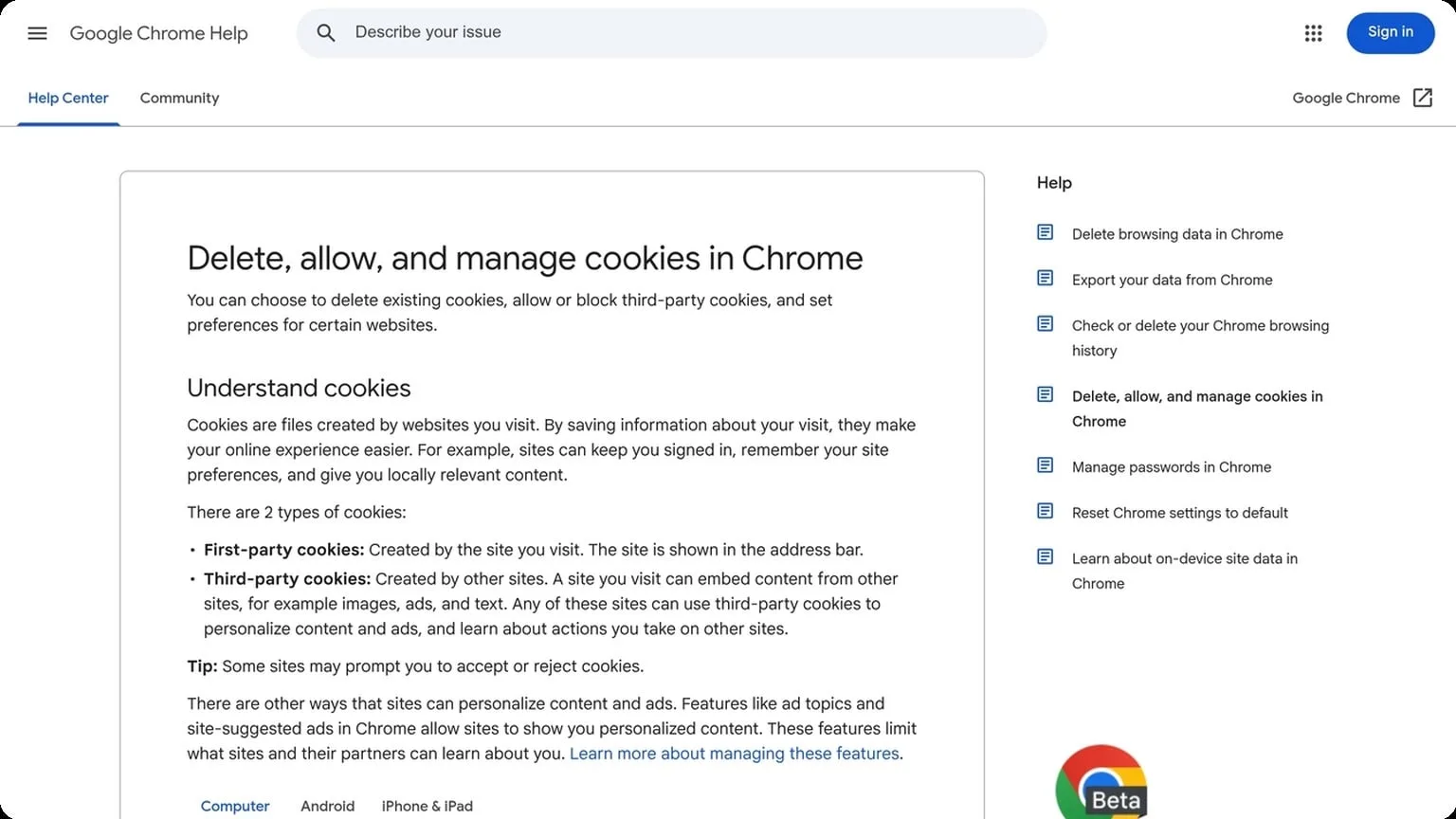
If you want a practical way to tighten multi-account security without overcomplicating your stack, GoUndetected.io is a smart place to start. For more on browser isolation concepts, see the Chrome help center and MDN Web Docs on privacy.
Use Cases
GoUndetected.io is built for teams and operators who need cleaner, more reliable browser sessions across multiple workflows. Whether you are validating ads, managing several brand profiles, or collecting public web data, the main goal is the same: reduce fingerprint overlap and keep each session isolated.
Ad Testing
Ad teams use antidetect browsers to review creatives, landing pages, and regional variations without cross-contaminating data. By separating profiles, you can simulate different devices, locations, and user states more accurately, which helps identify issues before campaigns go live.
This is especially useful when checking how platforms like Meta, Google, or TikTok render ads under different account histories. A practical workflow is to keep one profile per test scenario and pair it with the right proxy and cookie set for consistent results.
Multi-Account
For marketplaces, social media, affiliate marketing, and support operations, multi-account management is often less about scale and more about control. GoUndetected.io helps keep accounts isolated so logins, session data, and browser fingerprints do not bleed into each other.
That separation reduces the risk of accidental linkages that can trigger verification loops or restrictions. A simple setup map can help organize operations:
| Use Case | Profile Setup | Best Practice |
|---|---|---|
| Marketplace stores | One profile per store | Match proxy and timezone |
| Social accounts | One profile per identity | Keep login history separate |
| Affiliate campaigns | One profile per offer | Use clean cookies and notes |
Web Scraping
Web scraping teams use antidetect browsers to rotate sessions, reduce blocks, and collect public data more reliably. When combined with proper request pacing and proxy hygiene, isolated browser profiles can make scraping workflows look more like normal browsing behavior.
For best results, keep the process disciplined:
- Assign a separate profile to each target or project
- Use high-quality proxies that match the target region
- Limit repeated actions and avoid aggressive refresh patterns
- Monitor bans, CAPTCHAs, and response changes over time
Choose GoUndetected
Choosing the right antidetect browser is ultimately about balancing ease of use, consistency, and scale. GoUndetected.io is designed to make that balance more practical for teams that need reliable multi-account management without building a complicated stack around it.
Easy Start
Getting started with GoUndetected is designed to be fast, even if you’re new to antidetect browsing. The interface keeps the core workflow simple: create a profile, set your browser fingerprint, connect a proxy, and launch. That means less time learning the tool and more time managing accounts with a cleaner, more consistent setup.
For teams and solo operators alike, the onboarding flow reduces setup errors that often cause avoidable account flags. If you want a practical walkthrough, the GoUndetected homepage is the best place to start, with product details and entry points to the main features.
Scalable Plans
GoUndetected is built to grow with your workflow, whether you manage a handful of profiles or a larger multi-account operation. Flexible plans make it easier to match browser capacity to your current workload instead of overpaying for features you do not use.
| Use case | What you need | Why it matters |
|---|---|---|
| Solo operator | Simple profile management | Keeps setup lean and efficient |
| Growing team | More profiles and shared workflows | Supports expansion without rebuilding processes |
| High-volume operations | Stable scaling and organized control | Helps maintain consistency across accounts |
This structure makes it easier to adapt as your account volume changes. You can start small, then expand your browser environment without switching tools midstream.
Reliable Support
When multi-account work depends on speed and consistency, support quality matters. GoUndetected focuses on practical help that reduces downtime, whether you are troubleshooting a profile, adjusting a configuration, or validating a setup before launch.
Reliable support is especially useful when your workflow involves multiple moving parts. Instead of guessing through issues, you can get guidance that helps protect account health and keep operations moving.
- Clear product guidance for setup and usage
- Responsive help when issues interrupt workflow
- Support that fits both beginners and experienced users
For teams that need a practical antidetect browser alternative with a cleaner workflow, GoUndetected.io offers a straightforward path to better profile isolation, more consistent setup, and easier day-to-day account management. If your priority is reducing friction without sacrificing control, it is a strong option to evaluate first.
Need more hands-on playbooks? Read Anti-Detection Browser Setup for Affiliate Marketers: Proxy, Fingerprint, and Profile Isolation Workflow, Multiple Etsy shops, and How to Choose the Right Anti-Detection Browser for E-commerce Marketplaces: Amazon, eBay, and Shopify Use Cases.